Earn 50% on invoicing software people pay for once
A desktop invoicing and bookkeeping app for contractors and service businesses, on Windows, Mac and Linux. Buyers pay once instead of every month, which makes it an easy comparison against subscription apps.
Estimates after ClickBank's fee (7.5% + $1). ClickBank shows the exact figure in the Marketplace.
Download the whole kit (.zip, 14 MB) Every banner, story banner, product image and video, plus a README with the rules.
Your HopLink
Type your ClickBank nickname. Your link appears below and is written into every email, ad and post on this page, ready to copy.
The link from the Marketplace "Promote" button looks different but tracks the same way. Buyers land on the sales page, which offers only ClickBank checkout, so every sale is credited to you.
Who buys it, and why
- Route businesses: pool service, lawn care, cleaning, pest control
- Trades: HVAC, plumbing, electrical, handyman, roofing
- Auto repair, mobile detailing and freelancers
- Anyone tired of paying monthly for invoicing
- One payment instead of a monthly subscription
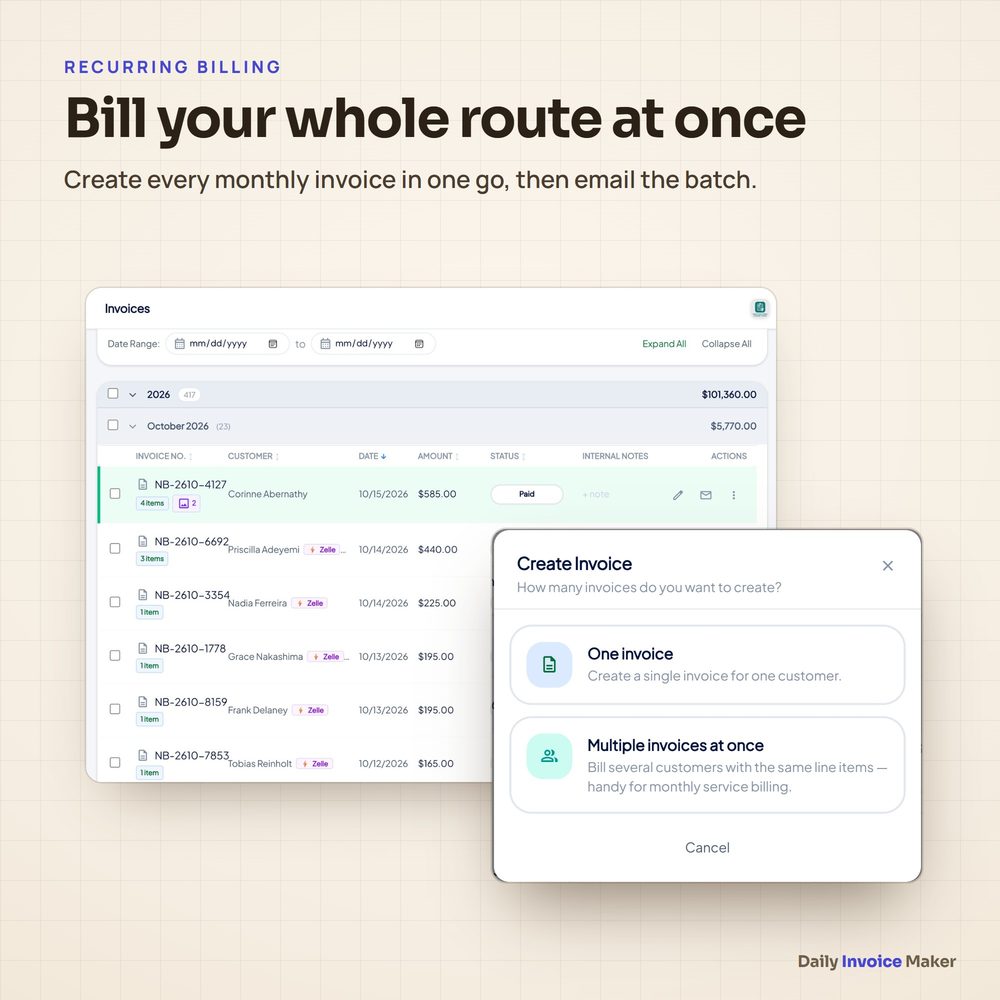
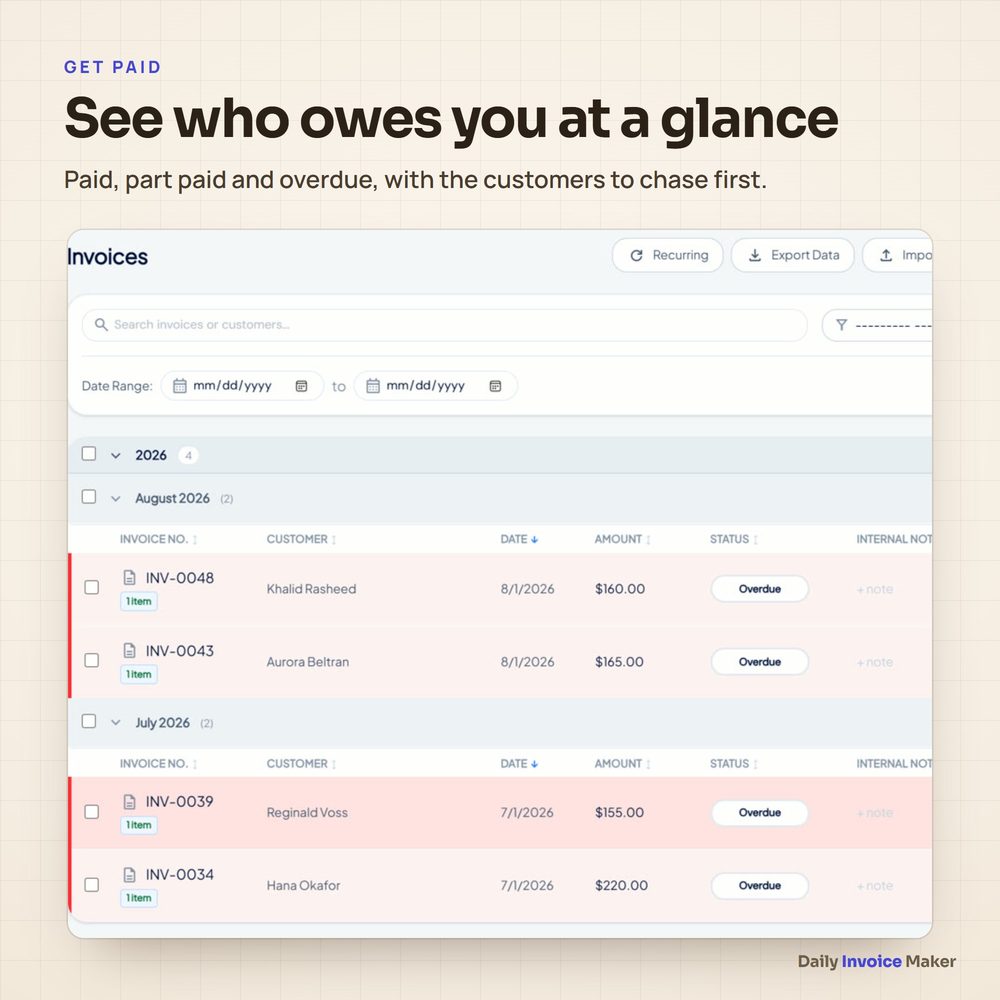
- Bill a whole route at once; see who has paid
- Receipts, bank statements and mileage in one place
- Tax-ready: Schedule C summary, sales tax, accountant packet
- Works offline; data stays on the buyer's computer
Email swipes
Five emails, best sent a day or two apart. Replace [FIRST NAME] and [YOUR NAME]; your link is filled in once you type your nickname above.
Email 1
Subject: Still paying every month for invoicing software?

Hi [FIRST NAME],

Quick question: how much have you paid for invoicing and bookkeeping apps over the last few years?

Most of them charge every month, forever. Stop paying and you lose access to your own records.

Daily Invoice Maker works differently. It is a desktop app for Windows, Mac and Linux that you pay for once. Your invoices, customers and books live in a file on your own computer, and it works offline.

It does the jobs a service business needs every week:
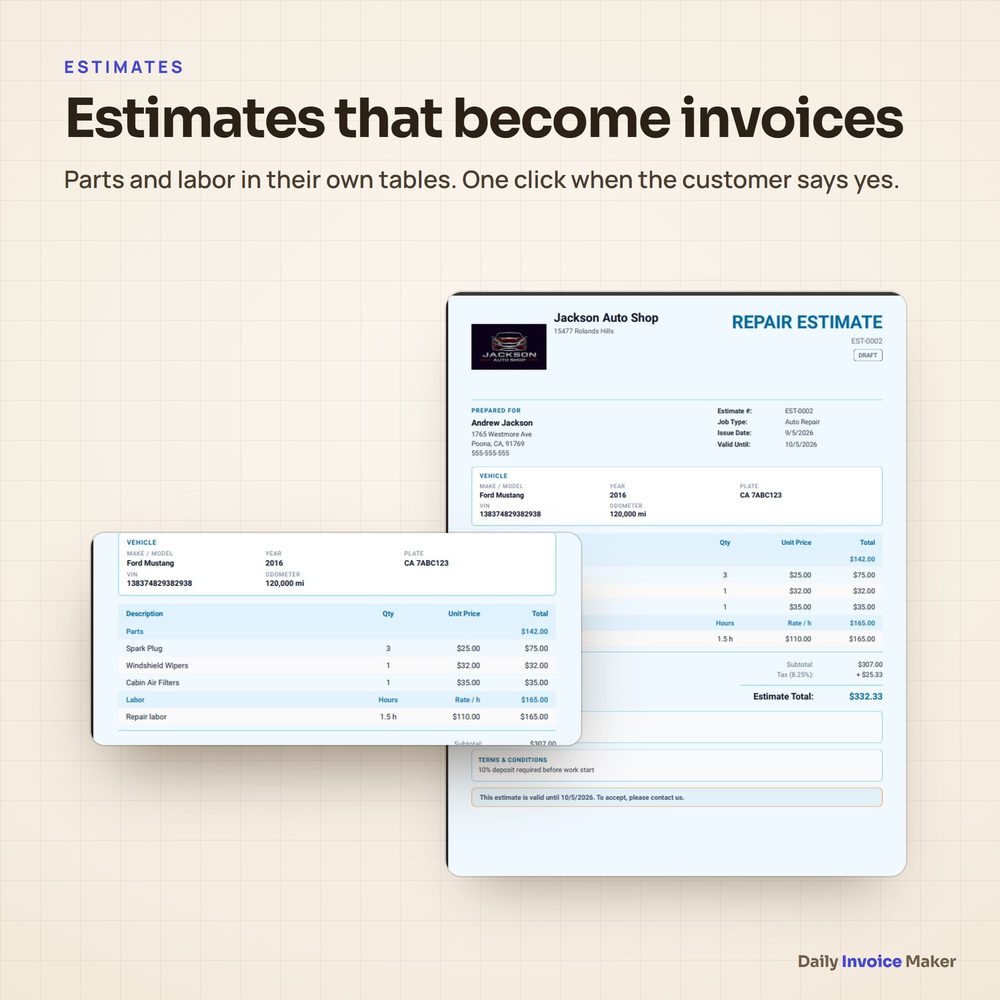
- estimates that turn into invoices with one click
- see who has paid and who is overdue
- a receipt scanner for expenses
- mileage at the IRS rate
- tax-ready reports at year end

Take a look here: [HOPLINK]

[YOUR NAME]

P.S. It comes with a 60-day refund policy through ClickBank, so you can try it with your real work.
Email 2
Subject: How route businesses bill every customer in one go

Hi [FIRST NAME],

If you run a route (pool service, lawn care, cleaning, pest control) you know the end-of-month routine: one invoice at a time, customer after customer.

Daily Invoice Maker has a monthly billing screen that creates every customer's invoice at once. You check the list, send them, and the app tracks who has paid and who needs a nudge.

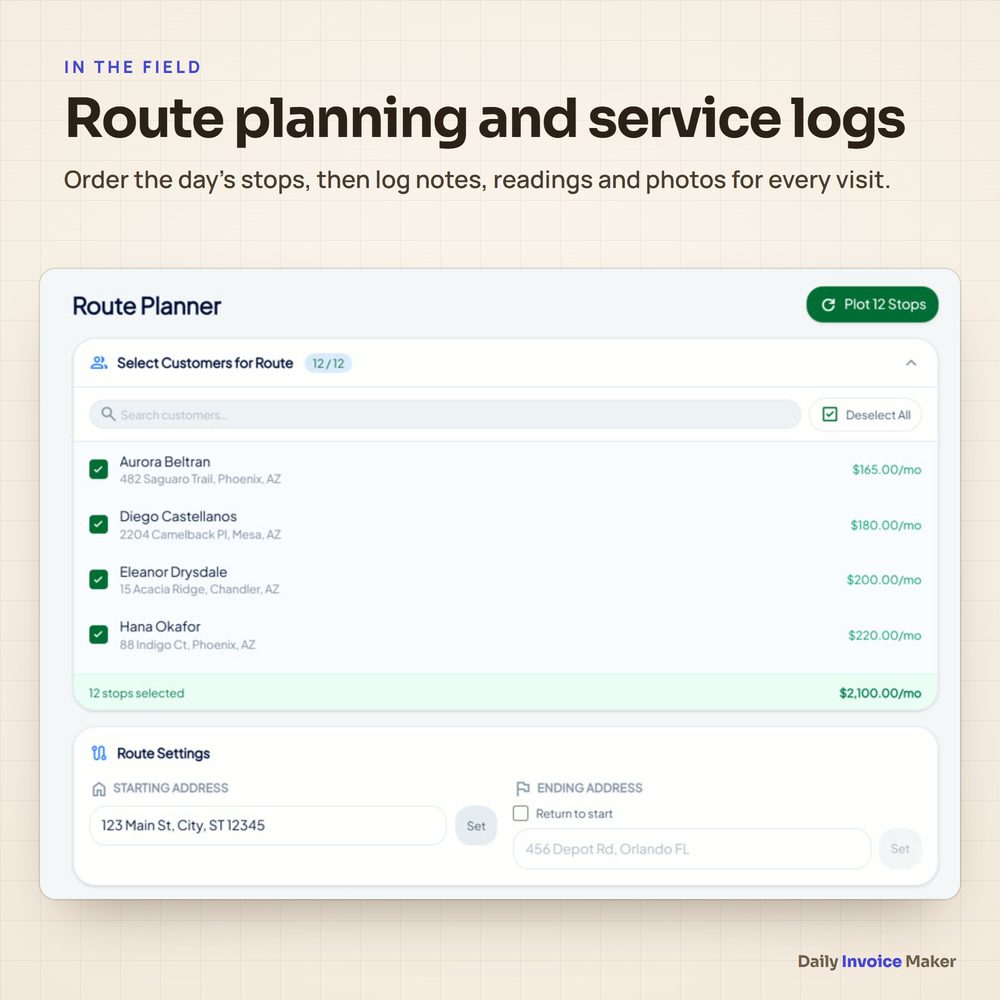
It also keeps a service log with notes, readings and photos for each visit, orders the day's stops, and adds before-and-after photos to invoices so customers see the work.

One payment, no subscription, and it runs on Windows, Mac and Linux.

See how it works: [HOPLINK]

[YOUR NAME]
Email 3
Subject: The shoebox of receipts problem

Hi [FIRST NAME],

Most small business owners do their bookkeeping the same way: a pile of receipts, a few bank statements, and a long weekend before the tax deadline.

Daily Invoice Maker shortens that a lot:
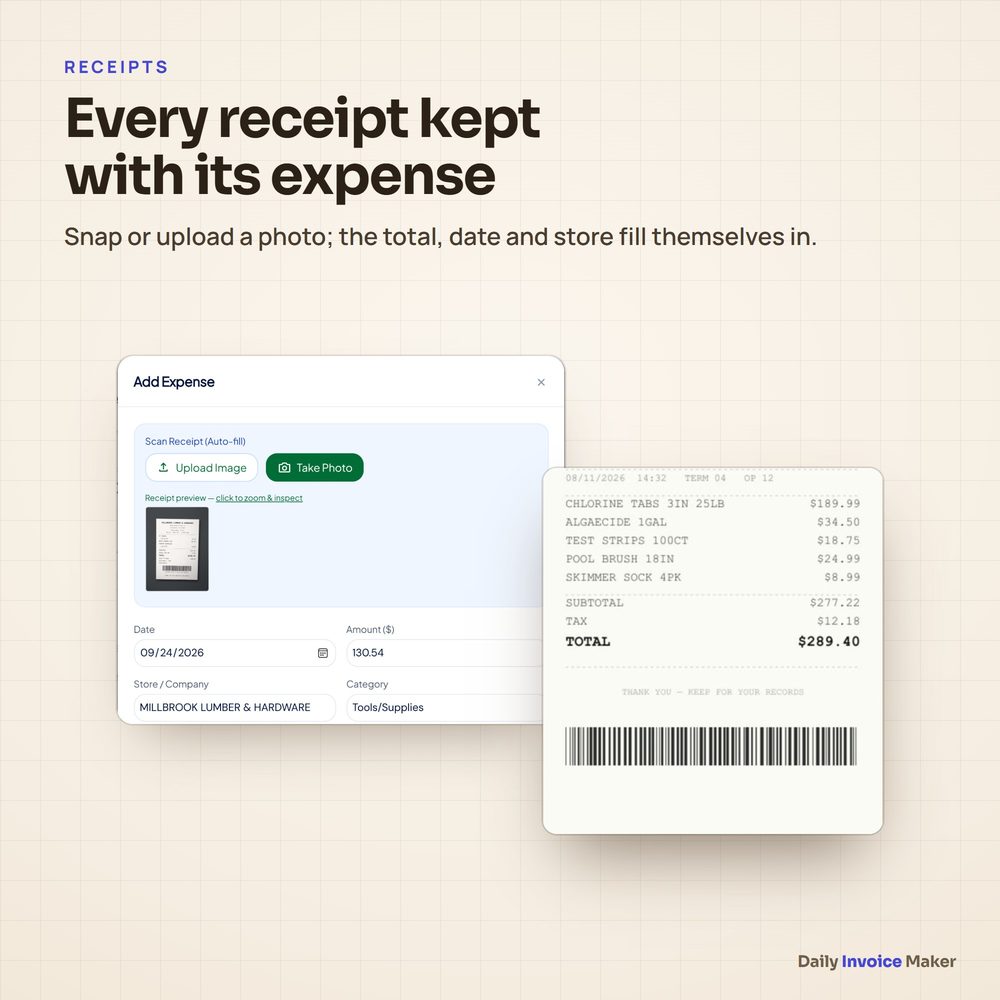
- Snap or upload a receipt and the total, date and store fill in by themselves. The photo stays attached.
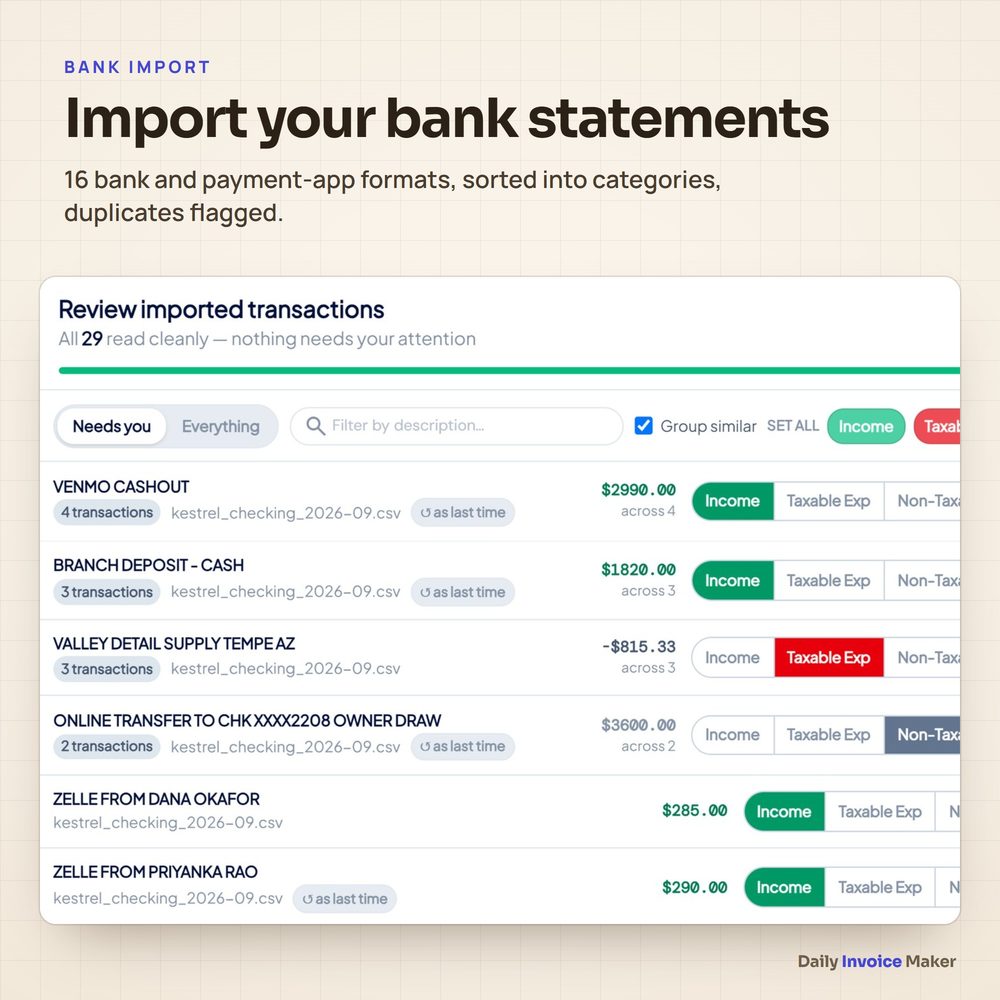
- Import bank and payment-app statements (16 formats). Transactions are sorted into categories and duplicates are flagged.
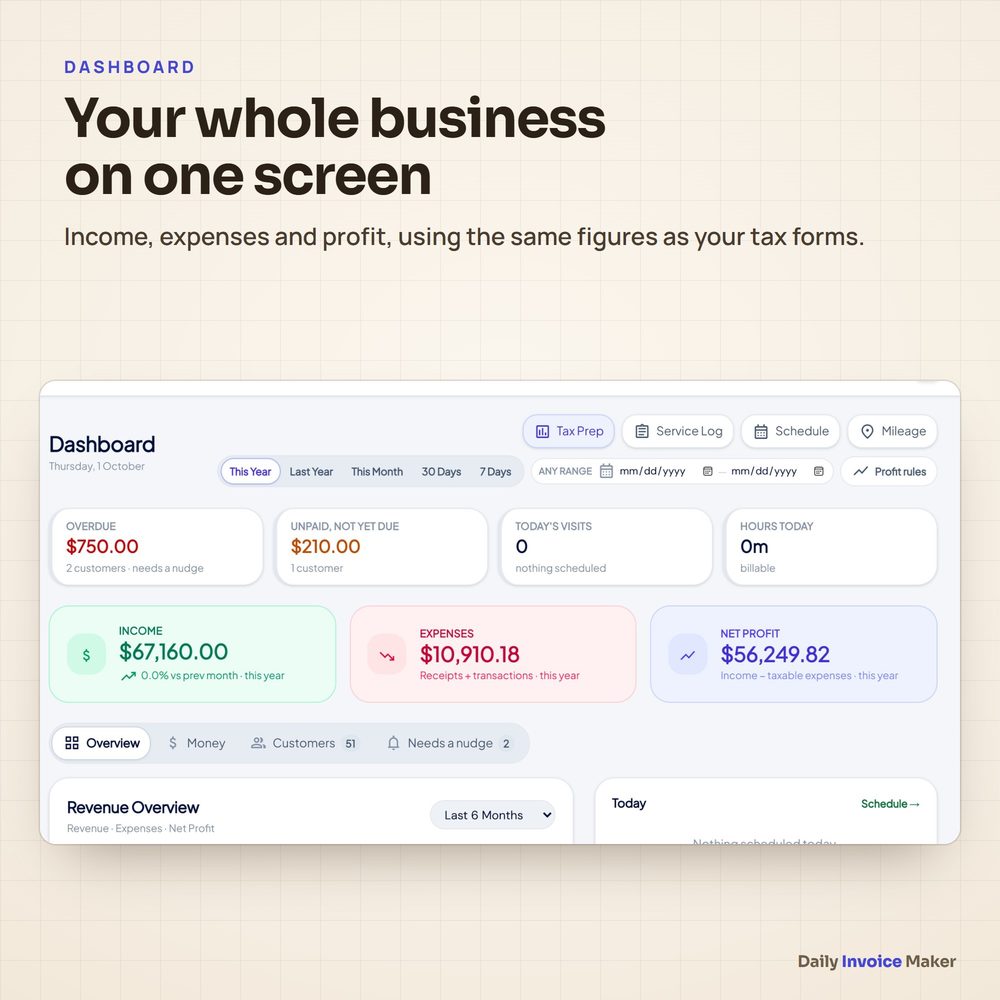
- Income, expenses and profit for any period are on one screen.

It is a desktop app you buy once, and your data stays on your computer.

Have a look: [HOPLINK]

[YOUR NAME]
Email 4
Subject: Tax time without the spreadsheet scramble

Hi [FIRST NAME],

When tax season comes, your accountant asks for the same things every year: income, expenses by category, mileage and sales tax.

Daily Invoice Maker keeps those ready all year:
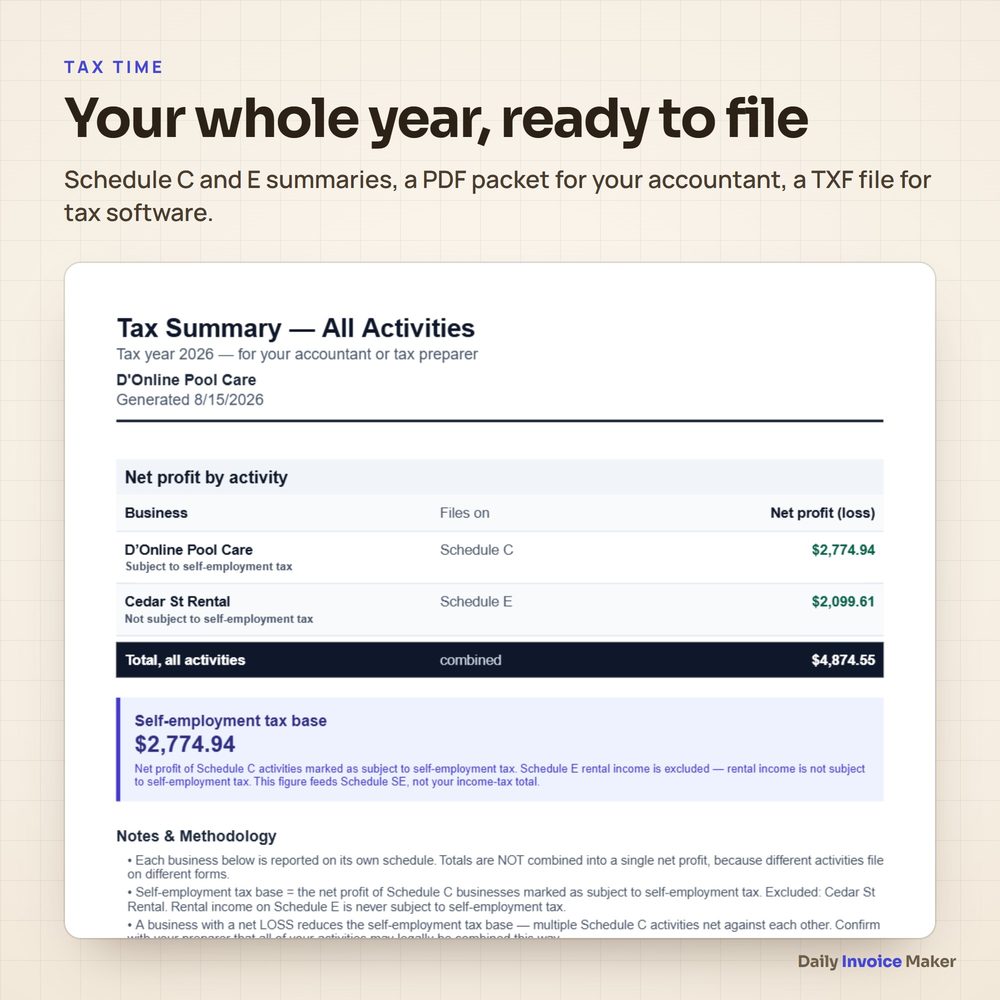
- Schedule C and Schedule E summaries
- a PDF packet for your accountant, plus a TXF file for tax software
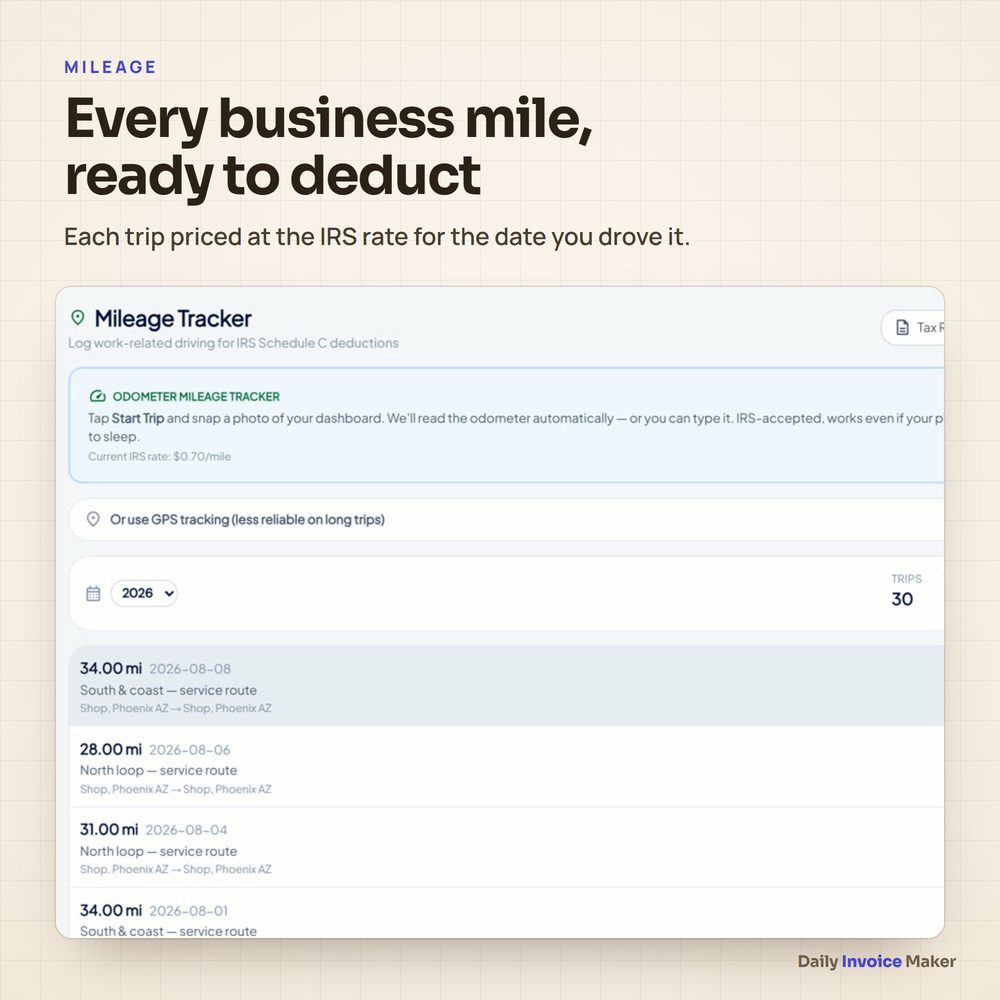
- mileage priced at the IRS rate for the date you drove
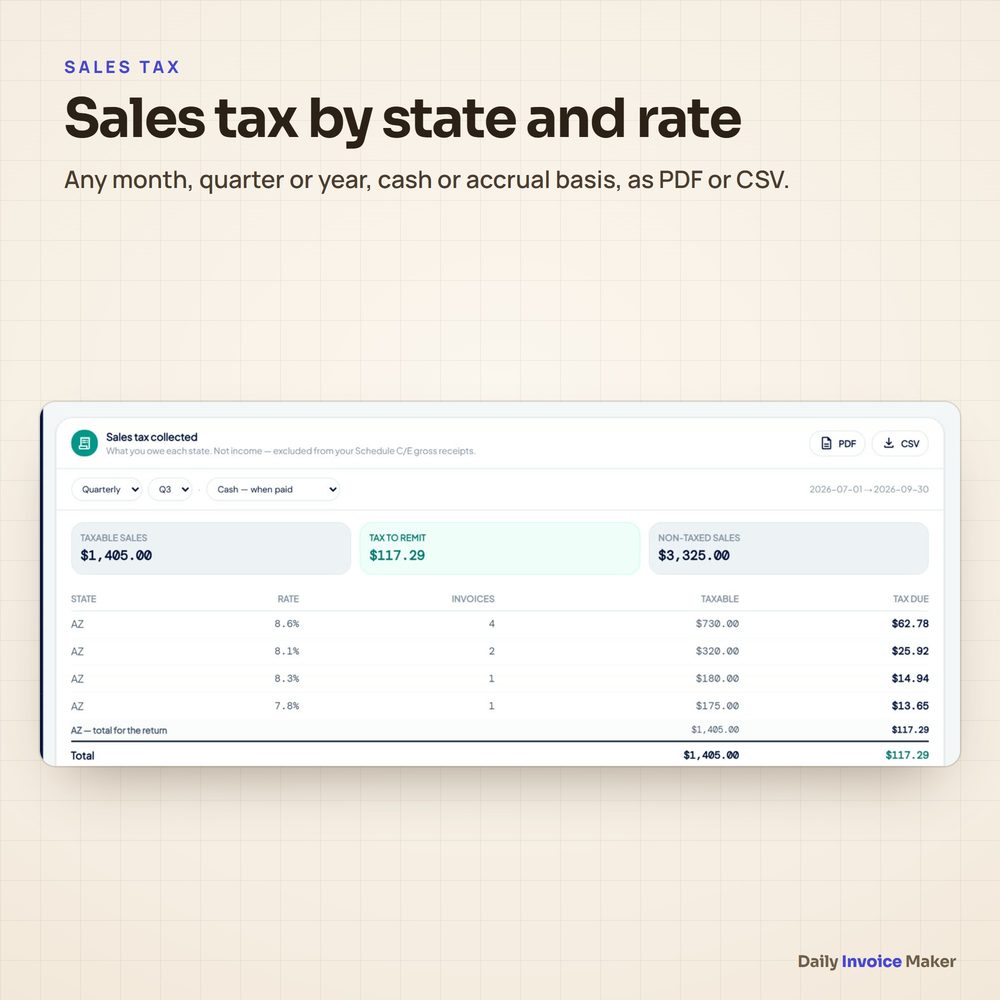
- sales tax by state and rate, for any month, quarter or year

It is invoicing and bookkeeping in one desktop app for Windows, Mac and Linux, with one payment and no subscription.

See it here: [HOPLINK]

[YOUR NAME]
Email 5
Subject: Last note about Daily Invoice Maker

Hi [FIRST NAME],

One last note on Daily Invoice Maker, the invoicing and bookkeeping app I mentioned.

In short:
- Lifetime License, $149.95 once, for 2 computers
- 1-Year License, $59.99 once, for 1 computer (no automatic renewal)
- Windows, Mac and Linux; works offline; your data stays on your computer
- download and license key right after payment
- 60-day refund policy through ClickBank

If you send invoices, track expenses or dread tax time, it is worth five minutes: [HOPLINK]

[YOUR NAME]
Ad copy
Google Search: headlines (30 characters max)
Invoicing Software, Pay Once
No Monthly Subscription
Invoices, Receipts & Taxes
For Service Businesses
Windows, Mac and Linux
Built-In Receipt Scanner
Bill Your Whole Route
60-Day Refund Policy
Google Search: descriptions (90 characters max)
Estimates, invoices, receipt scanner, mileage and tax reports in one desktop app.
One payment, no subscription. Your data stays on your computer and works offline.
Bill every monthly customer at once and see who has paid at a glance.
Schedule C summaries, sales tax reports and a packet for your accountant.
Good keywords: invoice software for contractors, pool service invoicing, bookkeeping software one-time purchase, invoicing app no subscription, receipt scanner app for small business. Do not bid on "Daily Invoice Maker" or "donlinestore" (see the rules below).
Facebook / Instagram ad 1
Headline: Invoicing software you pay for once

Tired of paying every month just to send invoices?

Daily Invoice Maker is a desktop app for Windows, Mac and Linux:
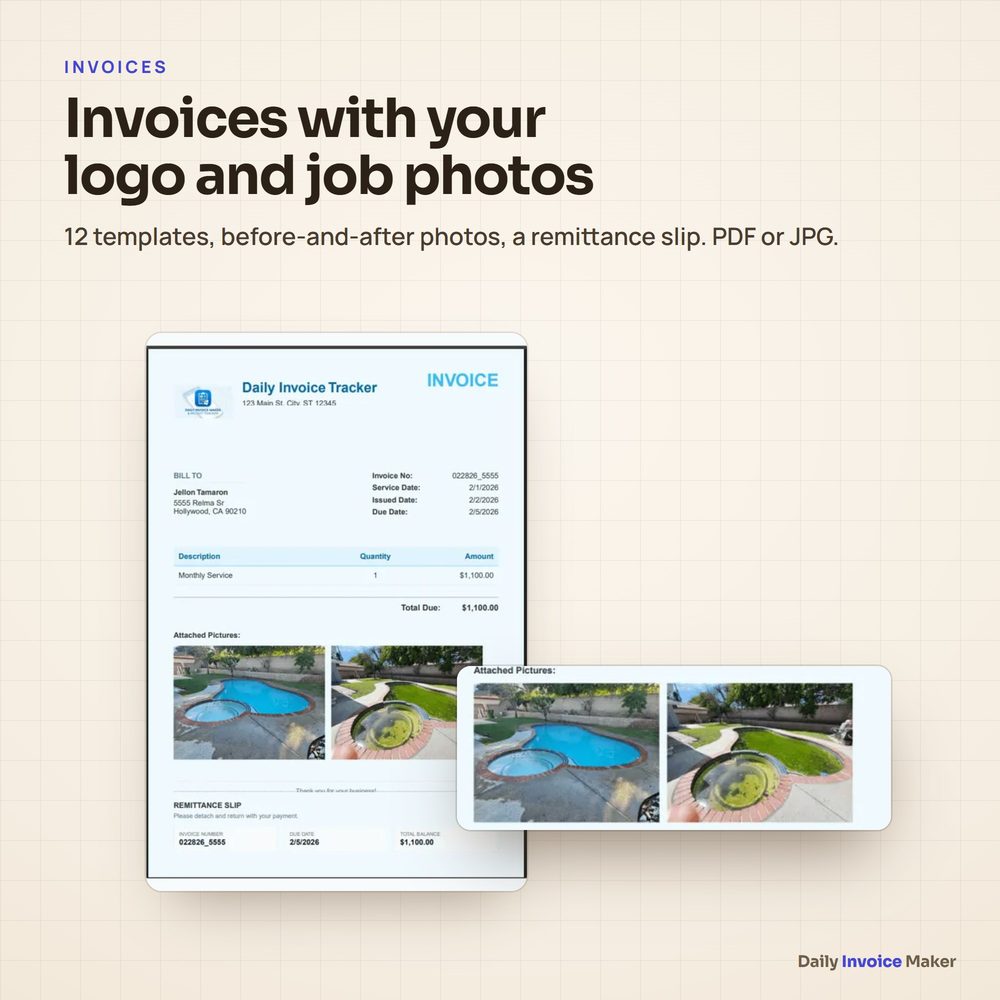
✔ estimates and invoices with your logo
✔ see who has paid
✔ receipt scanner and bank import
✔ mileage and tax-ready reports

One payment. No subscription. Your data stays on your computer.

[HOPLINK]
Facebook / Instagram ad 2
Headline: Bill your whole route in one click

Pool service, lawn care, cleaning, HVAC: if you bill the same customers every month, Daily Invoice Maker creates every invoice at once, adds before-and-after photos and tracks who still owes you.

Desktop app, pay once, works offline.

[HOPLINK]
Facebook / Instagram ad 3
Headline: Tax time, already done

Receipts scanned, bank statements sorted, mileage logged, Schedule C summary ready for your accountant.

Daily Invoice Maker: invoicing and bookkeeping for small service businesses. One payment, no subscription.

[HOPLINK]
30-second video script (TikTok, Reels, Shorts)
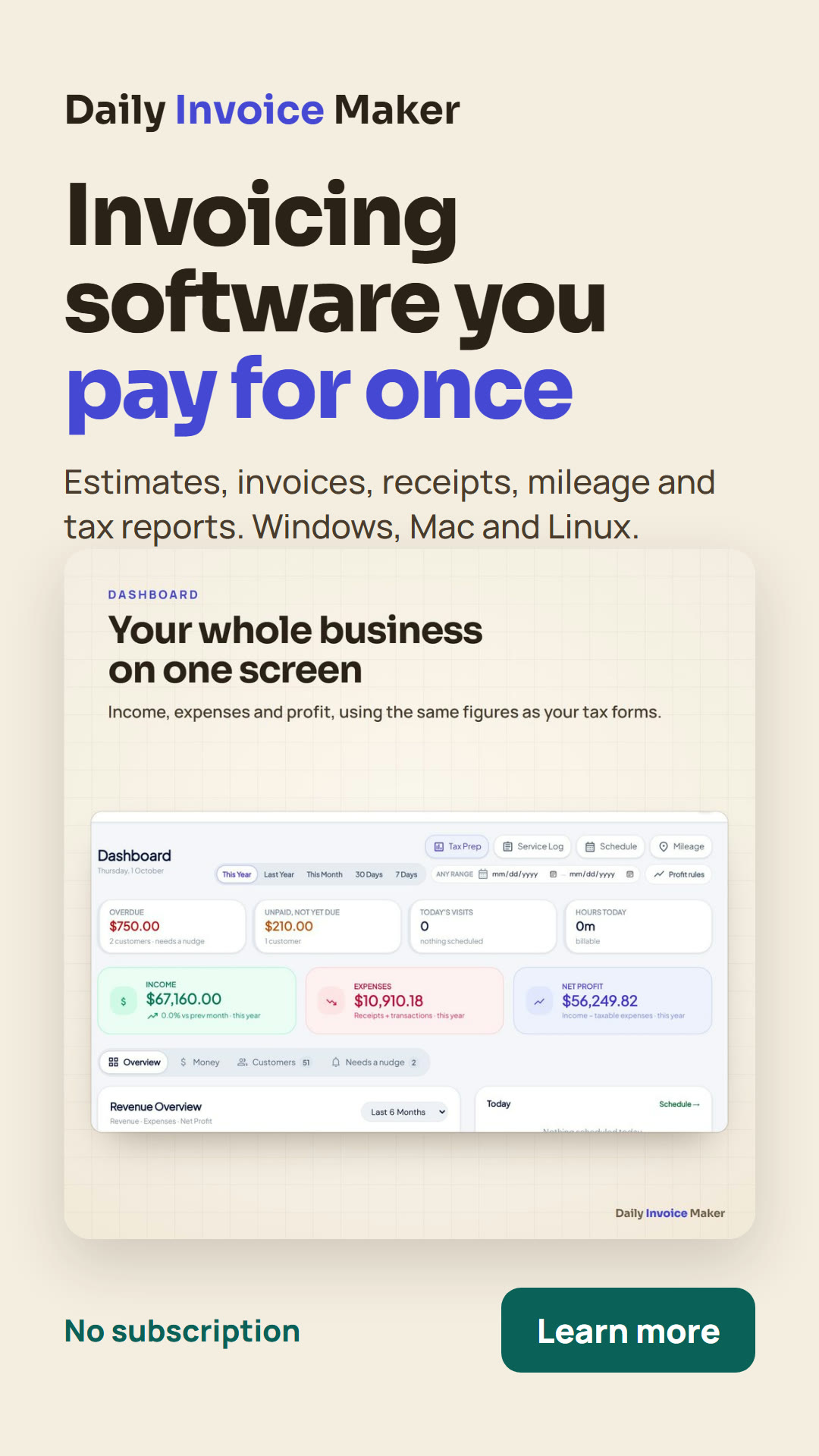
0–3s  (screen: dashboard) "Still paying every month just to send invoices?"
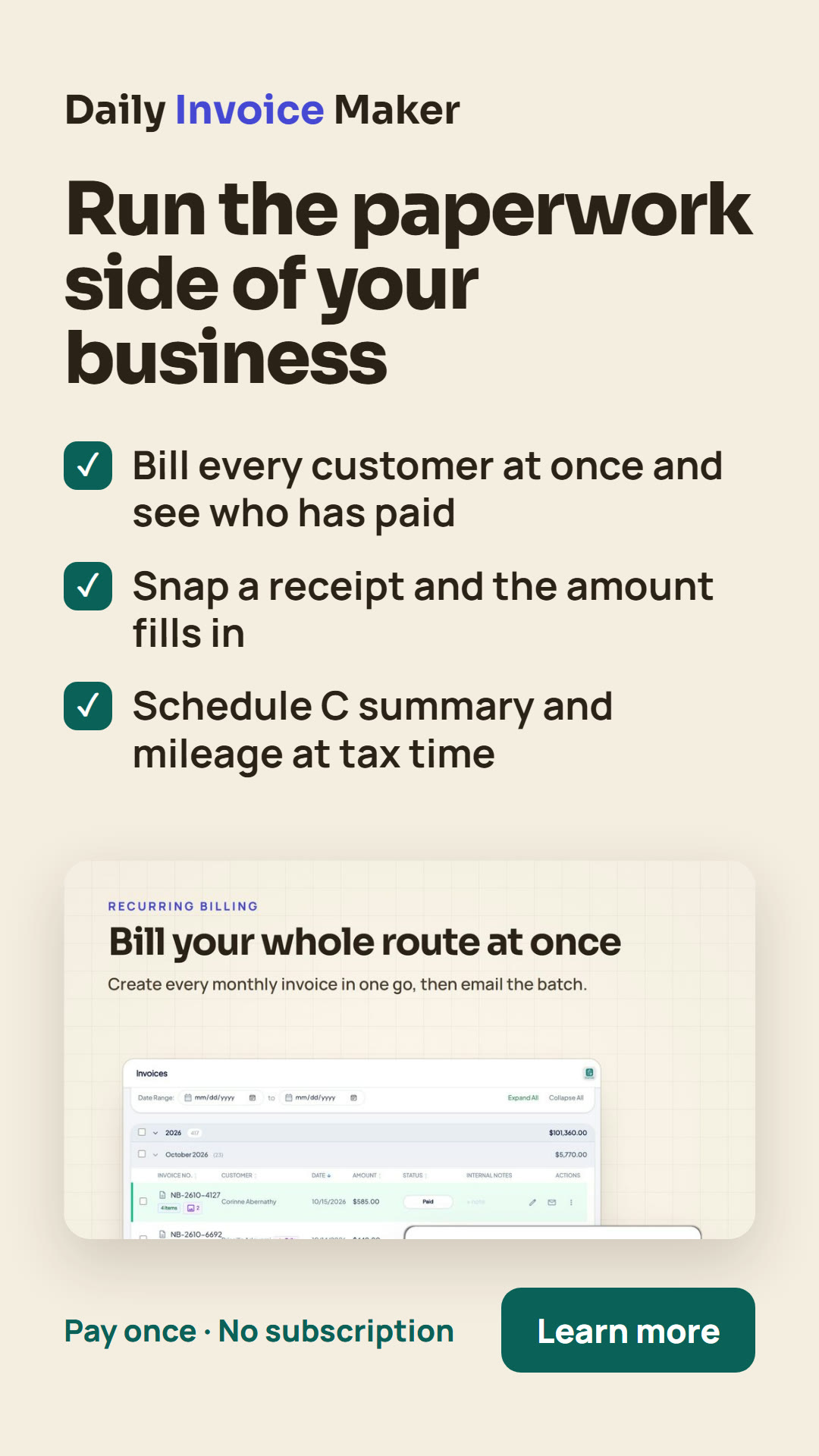
3–10s (screen: monthly billing) "This app bills every customer at once and tracks who has paid."
10–18s (screen: receipt scan) "Snap a receipt and the amount fills in. Bank statements import and sort themselves."
18–25s (screen: tax summary) "At year end, your Schedule C summary and mileage are ready for your accountant."
25–30s (screen: offer page) "Daily Invoice Maker. Pay once, no subscription. Link below."
Social posts
If you run a service business and still pay monthly for invoicing software, look at Daily Invoice Maker: estimates, invoices, receipts, mileage and tax reports in one desktop app you pay for once. [HOPLINK]
Route businesses: Daily Invoice Maker bills every monthly customer at once, adds job photos to invoices and shows who still owes you. Windows, Mac, Linux. [HOPLINK]
Bookkeeping tip for contractors: keep receipts, mileage and sales tax tracked all year so tax time is a printout, not a project. The tool I point people to: [HOPLINK]
Banners
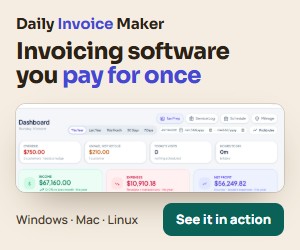
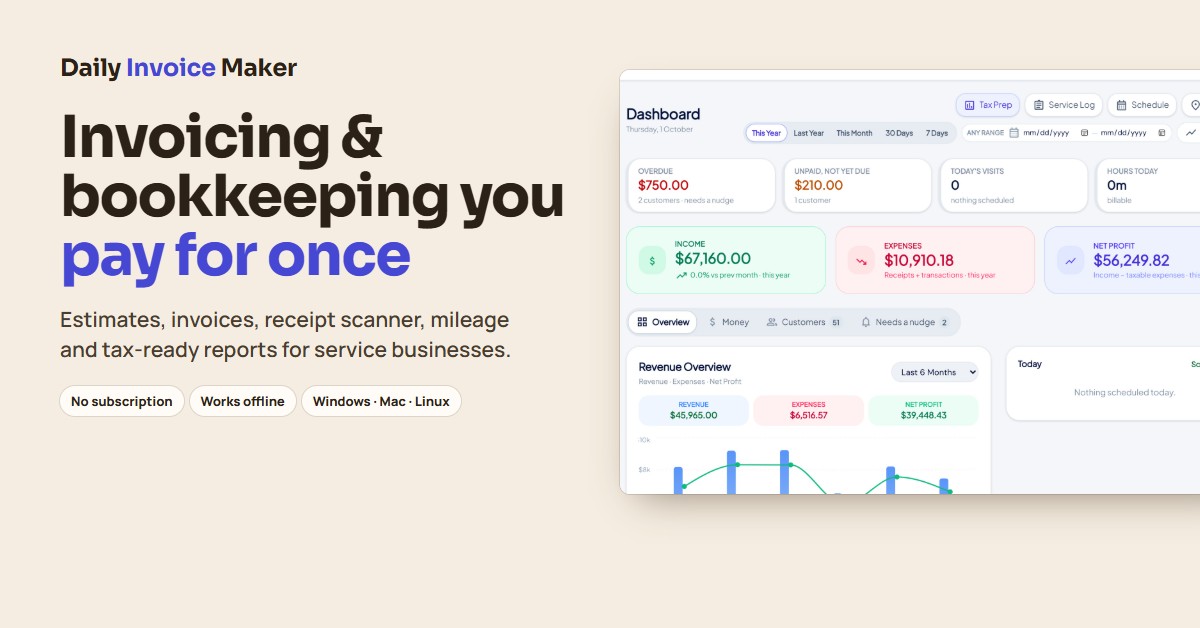
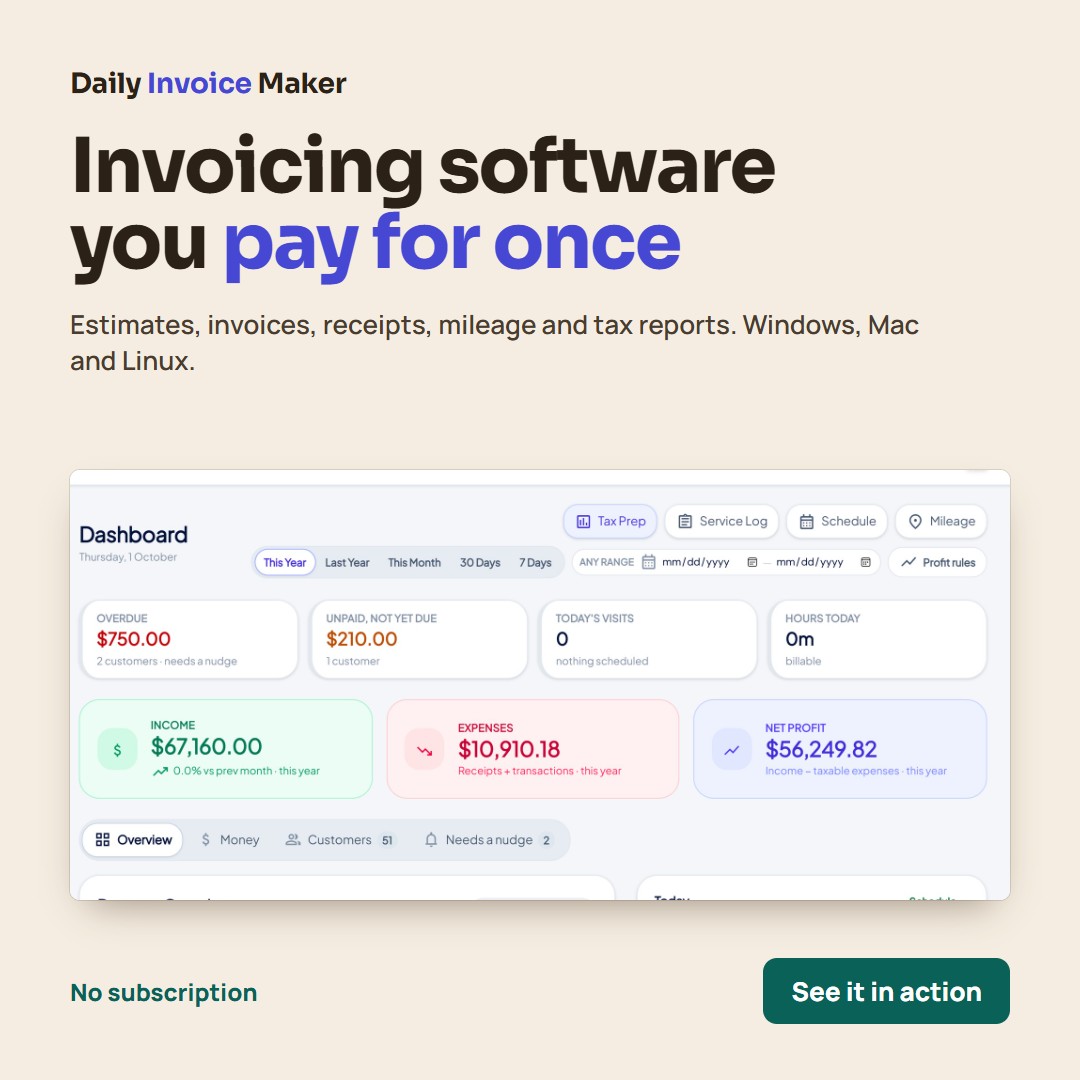
Link each banner to your HopLink. Right-click and save, or use the download link.


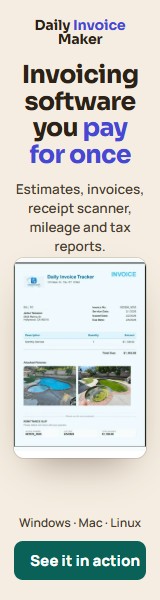
Story banners (1080×1920)
For Instagram, Facebook and TikTok stories. Add your HopLink as the story's link sticker.



Videos
Ready to post, with voiceover and captions. Vertical for TikTok, Reels and Shorts; add your own music if you like. The square demo suits feeds and reviews.
Product images
Real screens from the app, for reviews, posts and your own videos.
Promotion rules
- Disclose that you earn a commission (FTC rules)
- Describe the product as it is: a desktop app for Windows, Mac and Linux
- Use the facts, images and copy on this page
- Send buyers through your HopLink
- Bid on "Daily Invoice Maker", "donlinestore" or misspellings in search ads
- Send spam or use bought email lists
- Promise income, savings amounts or tax outcomes
- Call it free, or offer coupons and discounts that do not exist
- Say the license includes the phone apps (they are sold separately in the app stores) or call it a web/cloud service
- Pose as Daily Invoice Maker or its support team
Commissions earned in breach of these rules may be reversed through ClickBank.