For landscapers and landscape contractors
Landscaping invoices — materials by the yard, installs by the phase.
Price mulch, soil and stone by the yard or the ton, itemise delivery and dump fees, take the deposit before the truck is loaded, and invoice the install as one job or phase by phase. Works with no signal on a bare lot. 100% offline. $149.95 once.
Quick answer
What is the best invoicing software for a landscaping business?
A landscape install is not a mowing route. Daily Invoice Maker prices bulk materials by the yard or the ton, itemises delivery and dump fees, and turns the won estimate into an invoice you can part-pay as the deposit lands. Every plant is its own line for the warranty, and the same customer can carry a recurring monthly maintenance invoice. $149.95 once on Windows and Mac; Android is sold separately.
4.9 rating 500+ service businesses 30-day money-back guarantee
Watch it work
Estimated, photographed and invoiced from the job.
Built for the install, not the office
Yards, tons, deposits and a plant warranty.
Bulk materials, a job that runs three weeks, change orders agreed in the yard, and a maintenance contract on the same customer afterwards.
The old way
A $9,000 job on a one-line invoice.
- Yards of mulch and tons of stone re-added by hand off a supplier ticket
- One 'landscaping' line the customer picks apart at the end
- Change orders agreed in the yard and never billed for
- Install customers in one place, maintenance customers in another
With Daily Invoice Maker
Priced by the yard. Billed by the phase.
- Materials by the yard or ton, with delivery and dump fees on their own lines
- Deposit recorded as a part payment, with the balance still showing as owed
- Every plant its own line, with finished-bed photos on the invoice for the warranty
- Install and recurring monthly maintenance under one customer — $149.95 once
The workflow
Three screens that run a landscaping business.
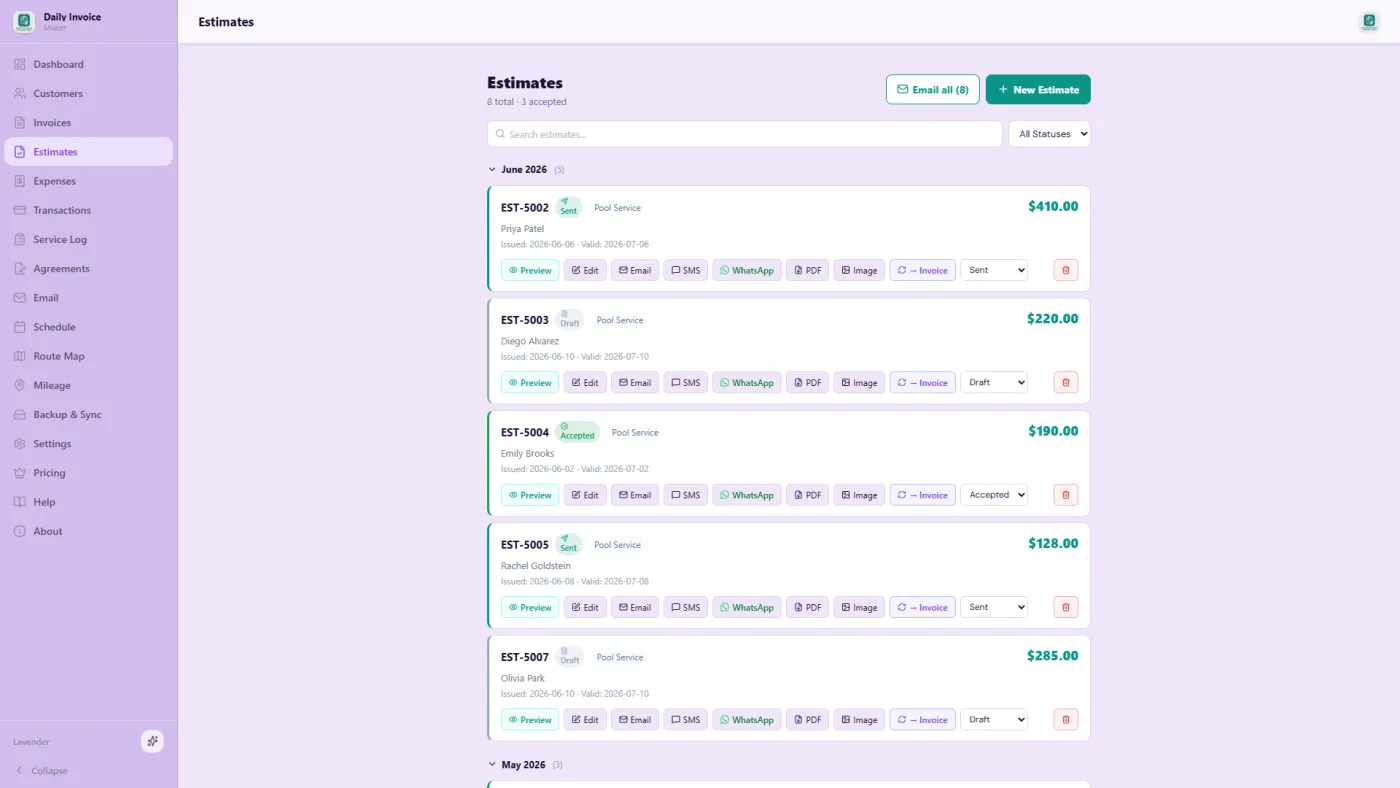
Estimates — materials by the yard or ton
Every line takes its own quantity and rate, so eleven yards of mulch and four tons of stone multiply out and the delivery fee is visible.
Receipts — supplier tickets and dump fees

Photograph the supply-yard ticket; the scanner reads the vendor, amount and category, so the material cost lands against the job while you are still on site.
Invoices — the install and the recurring maintenance

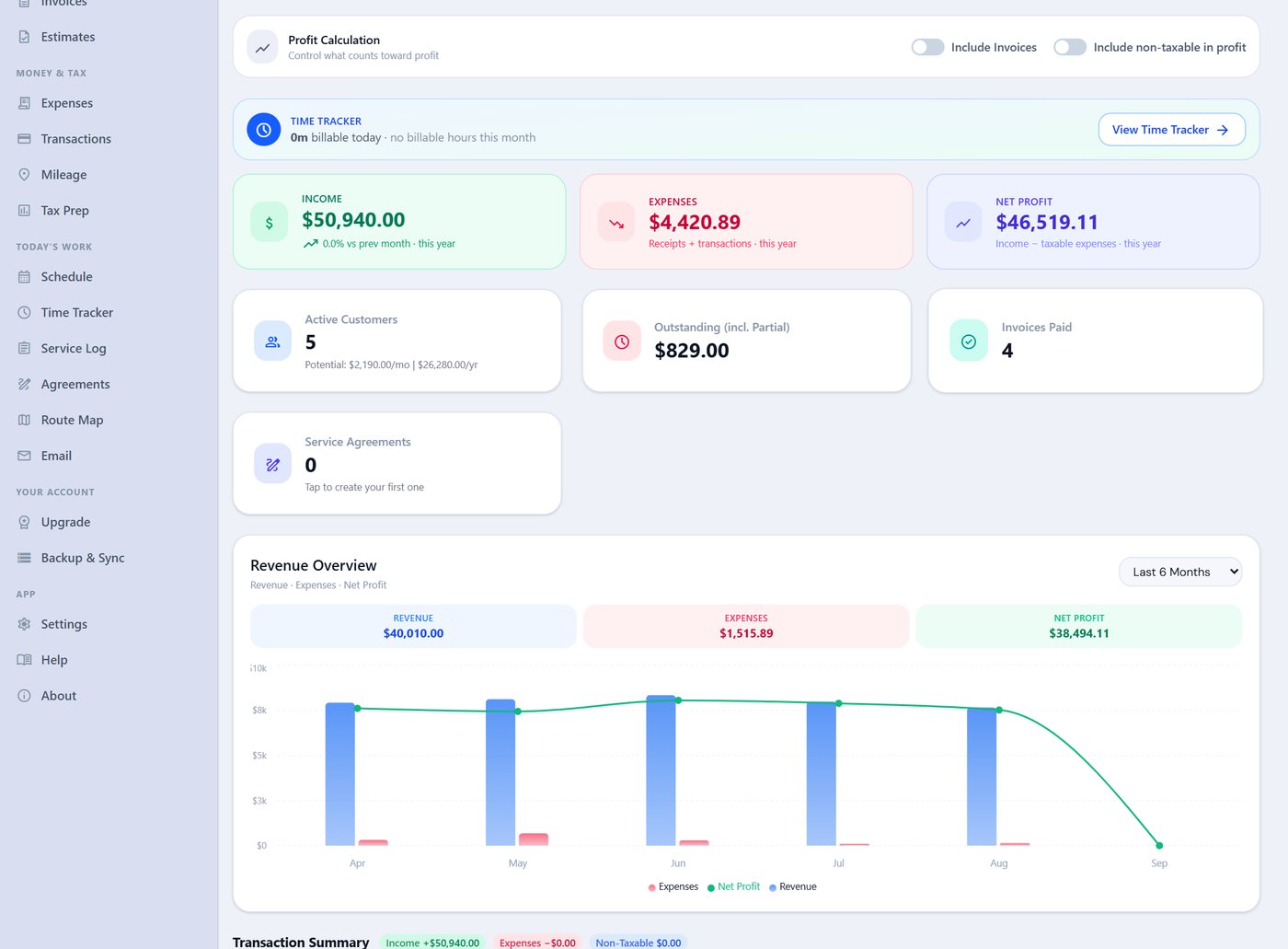
The install invoice with the deposit recorded against it, and the recurring maintenance schedule raising the monthly invoices on its own.
What your customer actually gets
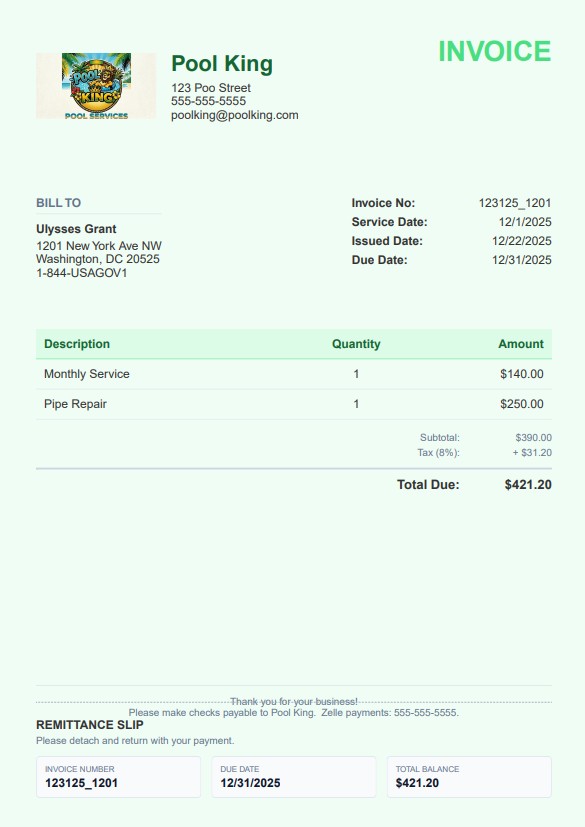
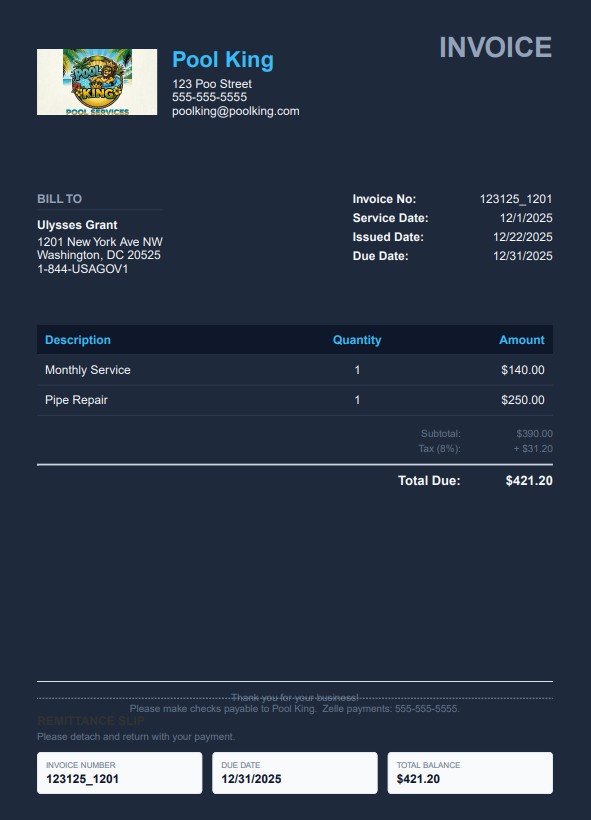
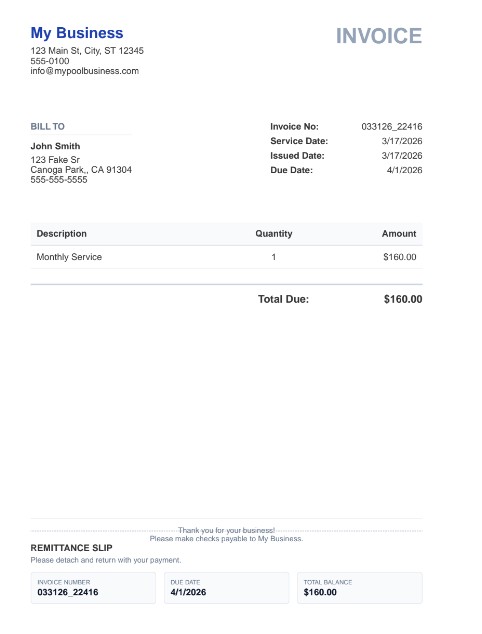
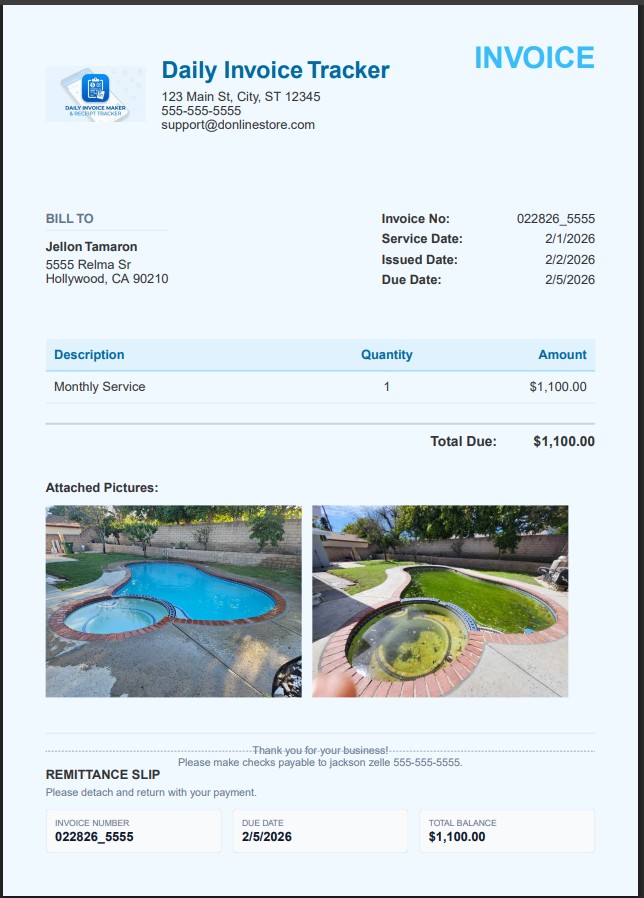
Real invoices exported from the app — your logo, your colours, a tear-off remittance slip, and photos of the job when you attach them. Pick a look in Settings; it applies to every invoice, estimate and agreement you send. Bill in your own currency — dollars, pounds, euros, rupees and more, with the symbol and number format applied everywhere.
Pay once. Own it forever.
One install pays for it sixty times over. The rest of your career is free.
$149.95 once — about two service calls — or $5.95/mo. Free demo first: every feature, your first 7 invoices.
30-day money-back guarantee Windows & Mac · Android on Google Play 100% offline
Questions
Landscaping questions, answered.
What is the best invoicing software for a landscaping business?
Daily Invoice Maker suits landscape installs: bulk materials go on their own lines priced by the yard or the ton with delivery and dump fees itemised, the deposit terms go on the estimate and the deposit is recorded as a part payment so the balance stays visible, and every plant is its own invoice line, so a warranty claim next spring is a lookup rather than an argument. The same customer can carry a recurring maintenance invoice alongside the install. It is 100% offline and costs $149.95 once on Windows and Mac, with a separate Android app on Google Play.
Can I take a deposit and bill an install in phases?
Yes, in the way that suits the job. Put the deposit terms on the estimate and record the deposit as a part payment against the install invoice, so the outstanding balance is always visible. For a long install you can also raise a separate invoice per phase — demolition, hardscape, planting, irrigation — under the same customer, and the dashboard totals what is still owed across all of them.
Can I run maintenance contracts and one-off installs for the same customer?
Yes. A customer holds any mix of jobs, so the $9,000 install and the monthly maintenance invoice sit under one name with one history. Maintenance runs on a recurring schedule, so those invoices are raised from a saved template each month instead of being retyped.
Worked example
See a whole green-industry season billed in the app.

Other trades