For painting contractors
Painting invoices that show the prep, the coats and the colors.
Estimate by the room or the square foot, itemise prep and every coat, record the color codes, and take the deposit as a part payment so the balance stays visible. Works with no signal in an empty house. 100% offline. $149.95 once.
Quick answer
What is the best invoicing software for a painting contractor?
Painting estimates live or die on prep. Daily Invoice Maker puts sanding, patching, masking, primer and each coat on their own lines, keeps the brand, color code and sheen with the job, and attaches before-and-after photos to the invoice. Deposit terms go on the estimate, and the deposit is recorded as a part payment so the balance stays visible. $149.95 once on Windows and Mac; Android is sold separately.
4.9 rating 500+ service businesses 30-day money-back guarantee
Watch it work
Estimated, photographed and invoiced from the job.
Built for the job site, not the office
The prep is the job. Put it on the invoice.
Sanding, patching, masking, two coats and a color the customer changed their mind about — the reality a painting crew bills every week.
The old way
One 'labor' line. A long argument.
- Days of sanding, patching and masking hidden inside one labor line
- Paint brand, color code and sheen remembered, never written down
- The deposit tracked in your head and the balance chased later
- Pre-existing wall damage you get blamed for at the walkthrough
With Daily Invoice Maker
Itemised, photographed, part paid before you start.
- Prep, primer and each coat priced as separate lines the customer can read
- Brand, color code and sheen written on the job for touch-ups and the next repaint
- Deposit recorded as a part payment, balance showing as owed until it is paid
- $149.95 once — no per-job or per-painter fee, ever
The workflow
Three screens that run a painting business.
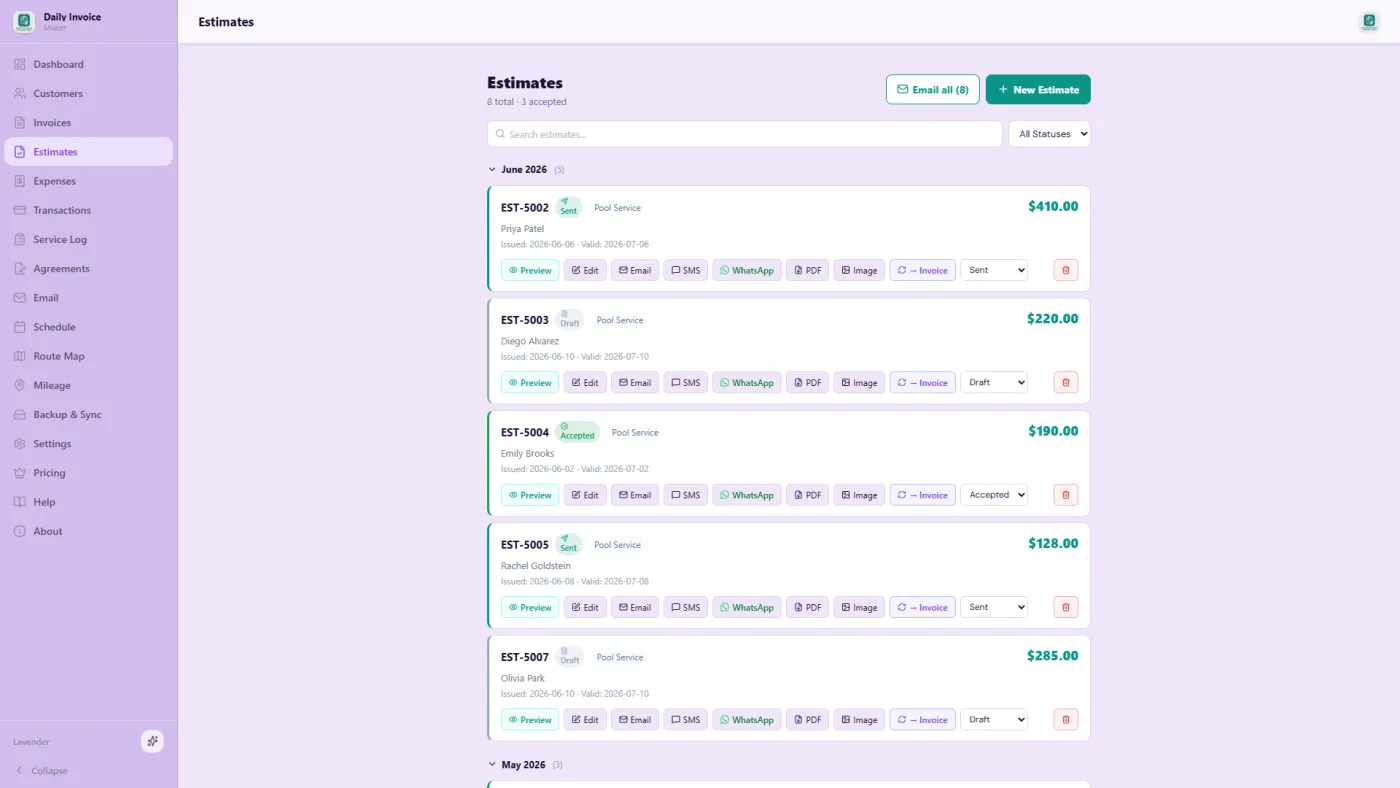
Estimates — prep, primer and each coat
Quote by the room or the square foot, with prep and every coat on its own line, then convert the whole thing to an invoice.
Photos — the wall before you touched it
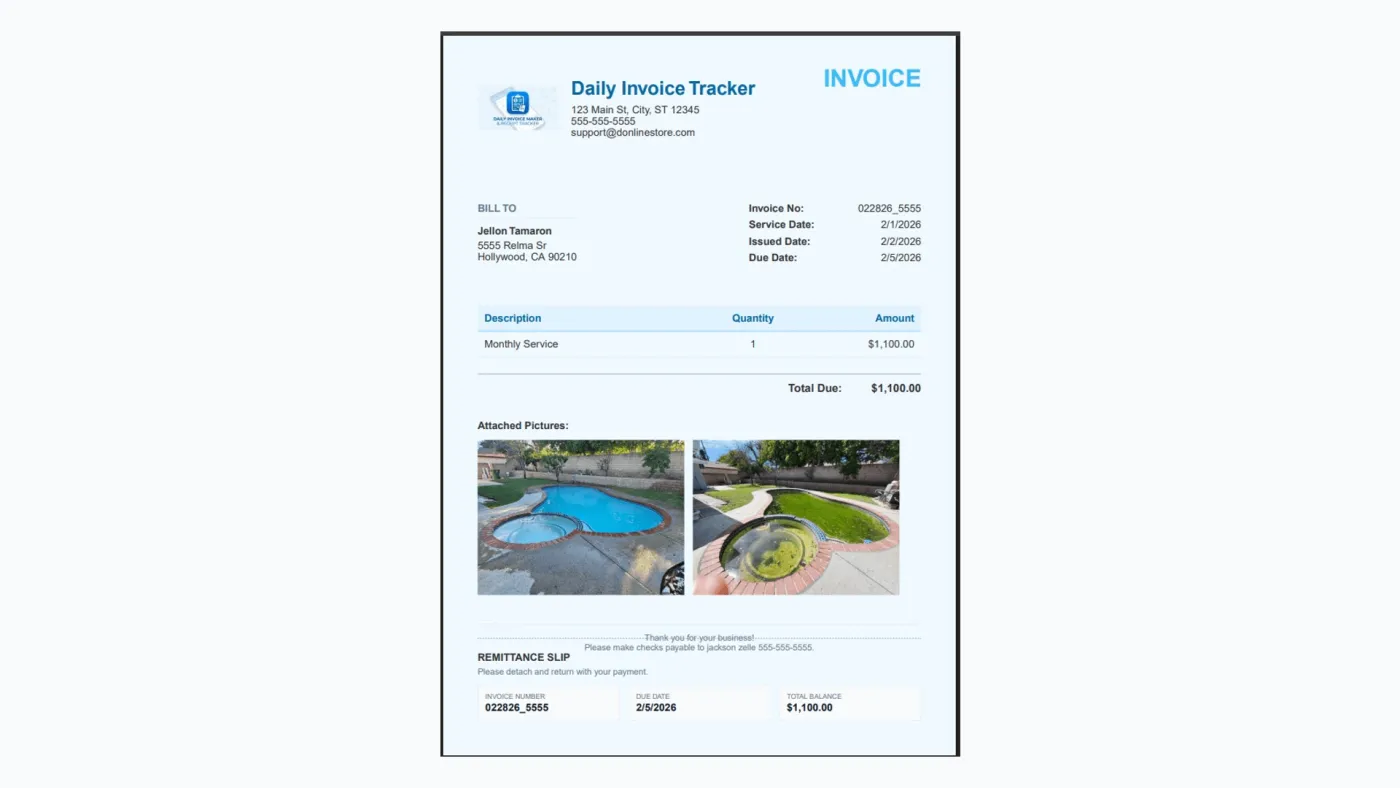
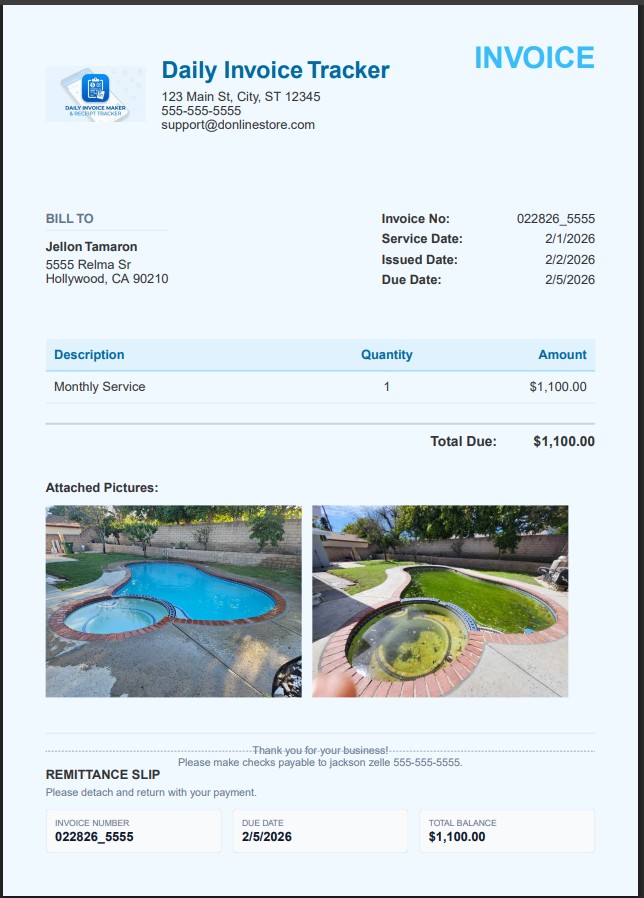
Photograph the cracks and stains before you start. They print on the invoice, which ends the 'that was already there' conversation.
Invoices — the deposit in, the balance owed

Convert the won estimate to an invoice, record the deposit as a part payment, and see every balance still owed in one list.
What your customer actually gets
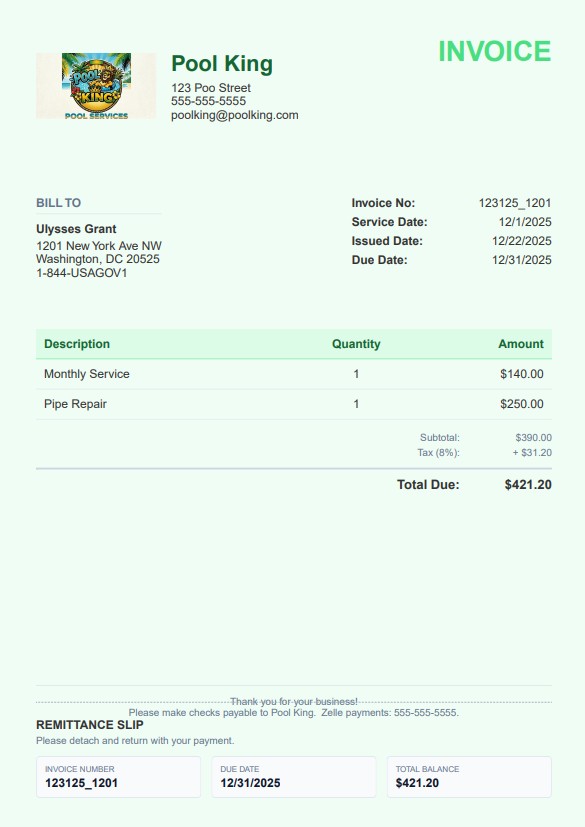
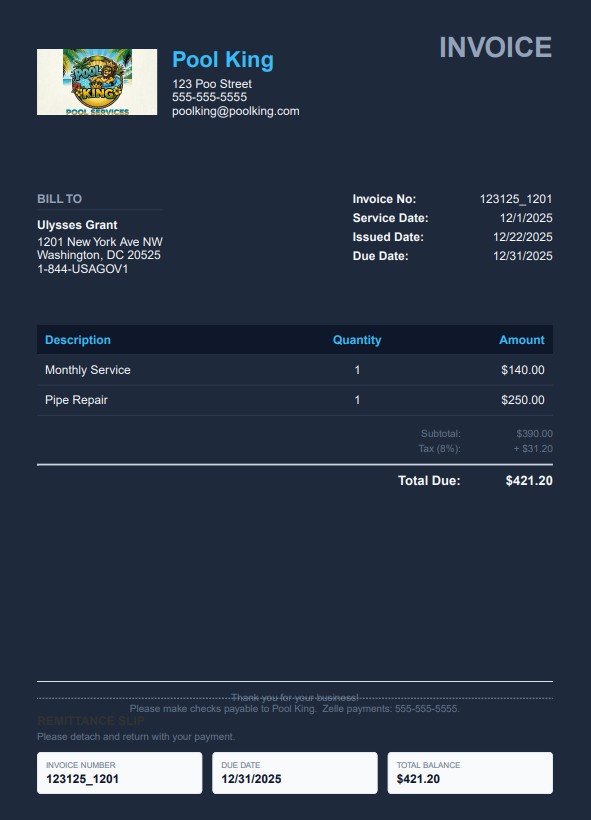
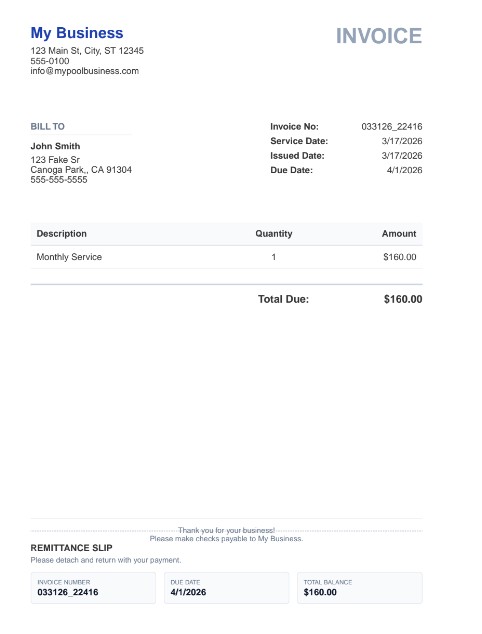
Real invoices exported from the app — your logo, your colours, a tear-off remittance slip, and photos of the job when you attach them. Pick a look in Settings; it applies to every invoice, estimate and agreement you send. Bill in your own currency — dollars, pounds, euros, rupees and more, with the symbol and number format applied everywhere.
Pay once. Own it forever.
Two interior rooms pay for it. The rest of your career is free.
$149.95 once — about two service calls — or $5.95/mo. Free demo first: every feature, your first 7 invoices.
30-day money-back guarantee Windows & Mac · Android on Google Play 100% offline
Questions
Painting questions, answered.
What is the best invoicing software for a painting contractor?
Daily Invoice Maker fits painting work: estimate by the room or by square foot, put prep, primer and each coat on separate lines so the labor is visible, and keep the brand, color code and sheen in the line description or the invoice notes for touch-ups and the next repaint. Photos attach to the invoice, so the wall's condition before you started is on the record. It is 100% offline and costs $149.95 once for the Windows and Mac app, with a separate Android app on Google Play — no monthly subscription either way.
Can I bill a deposit up front and the balance at the walkthrough?
Yes. Put your deposit terms on the estimate, convert it to an invoice when the job is won, and record the deposit as a part payment. The invoice then shows as partly paid with the balance outstanding, so the walkthrough payment closes it out and the money still owed is visible on the dashboard until it lands.
Can I record paint colors and attach before-and-after photos?
Yes. Brand, color code and sheen go in the line description or the invoice notes, which is what you need eighteen months later when the customer asks for a touch-up. Photos attach to the job and print on the invoice, so pre-existing wall damage is documented before your brush ever touches it.
Worked example for a small shop
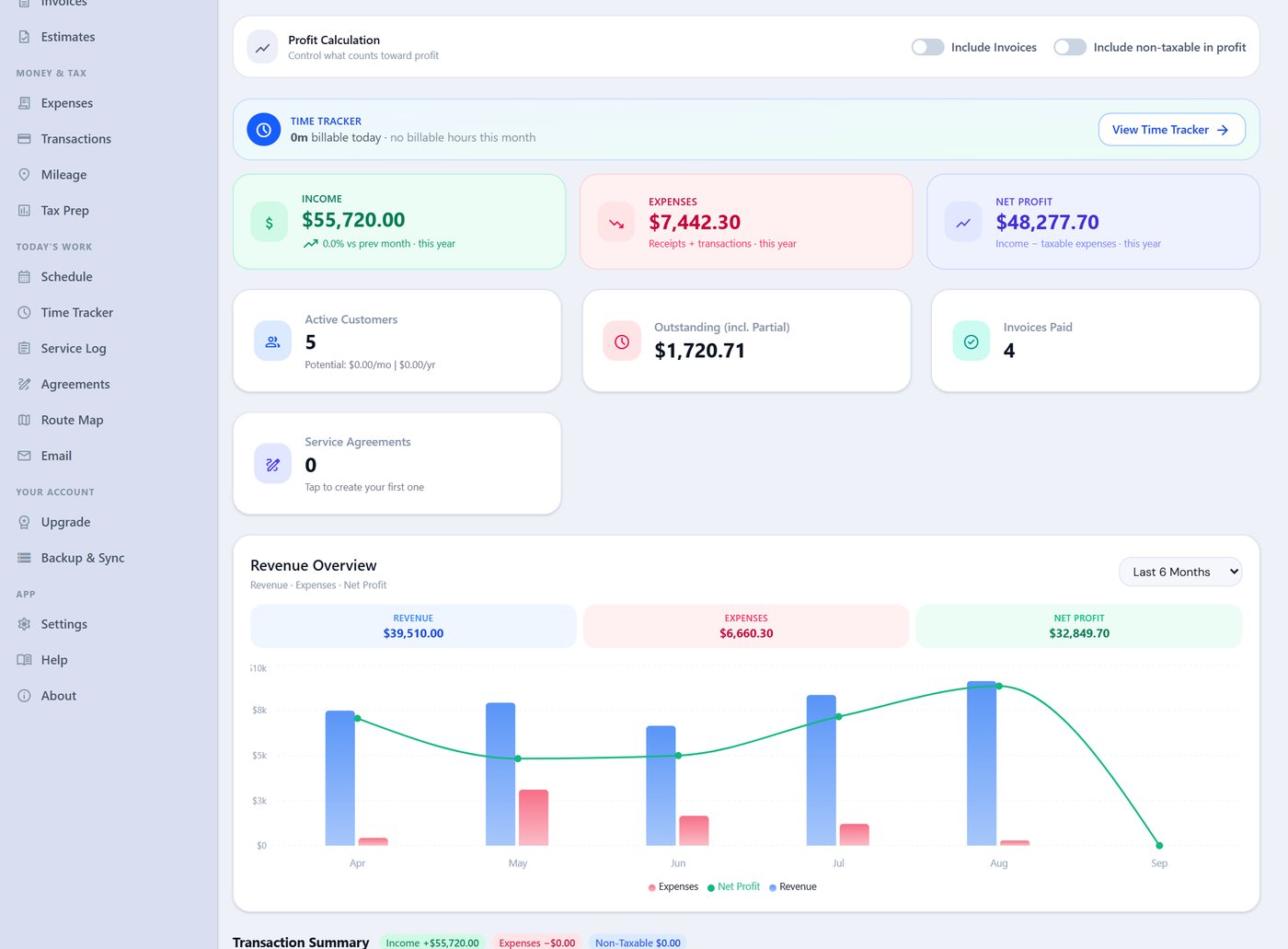
See a whole small business season billed in the app.

Other trades