For trades and service businesses
A QuickBooks alternative you buy once and keep forever.
Invoices, estimates, receipts, mileage and a tax-ready Schedule C summary — installed on your own computer, working with no internet, for one payment. $149.95 once.
30-day money-back guarantee
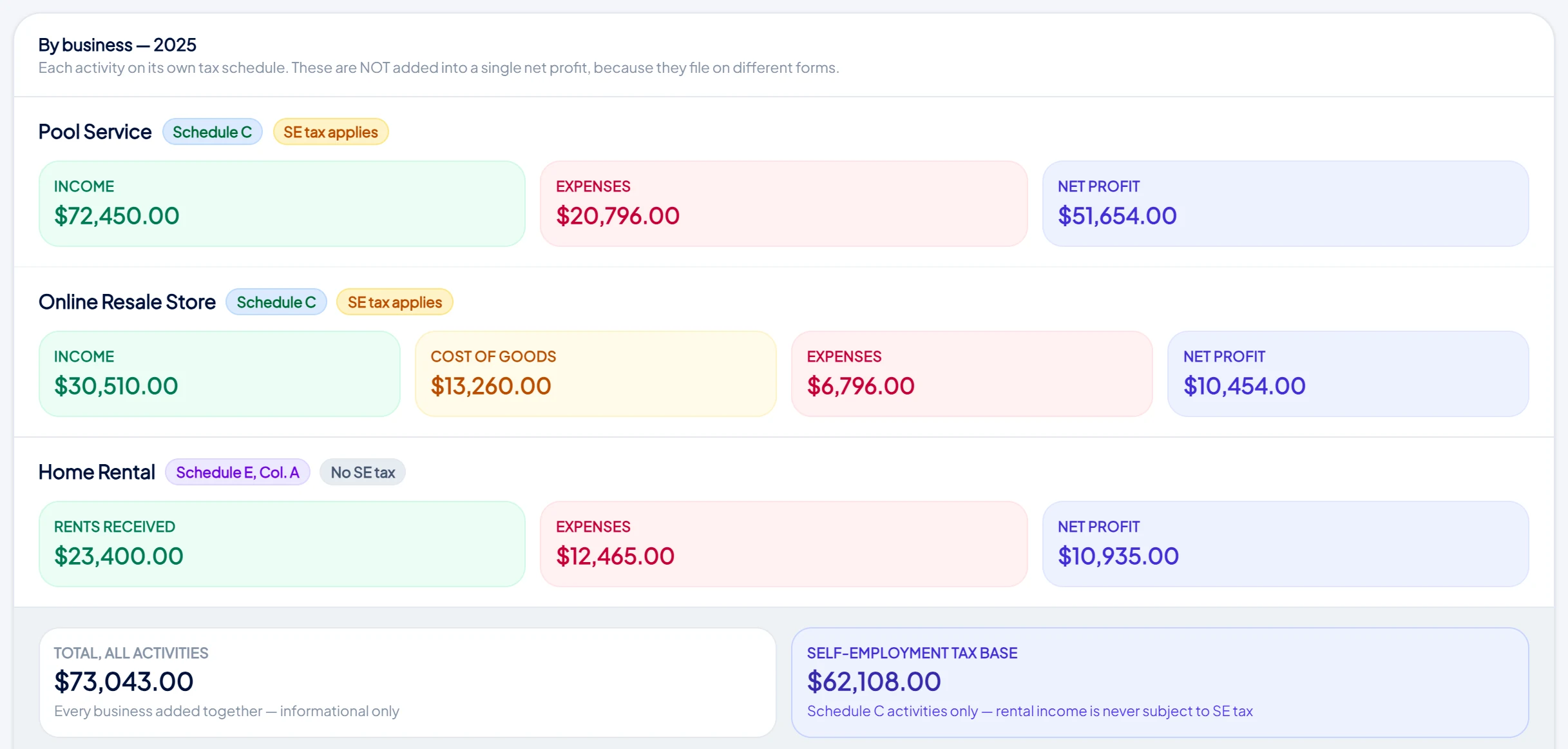
First, what QuickBooks is good at
QuickBooks is a genuinely capable accounting package, and if you have an accountant who works in it daily, payroll to run, or inventory across locations, it will do things this app does not attempt.
This page is not an argument that it is a bad product. It is an argument that a lot of service businesses are paying every month for a platform when what they actually needed was a program that sends invoices and keeps the books.
The four differences that matter
| QuickBooks and tools like it | Daily Invoice Maker | |
|---|---|---|
| What you pay | A subscription, billed every month or year for as long as you use it. | One payment of $149.95. Updates included. No renewal. |
| Where your records live | On the vendor's servers. | In a file on your own computer. You can copy it, back it up, or move it. |
| Working without internet | Needs a connection for normal use. | Runs fully offline. Invoice from a basement or a rural property. |
| If you stop paying | Access ends; you export what you can before it does. | Nothing happens. The software keeps working and the records stay yours. |
Compared on how the products are structured rather than on price, because subscription prices change and this page would go stale. Check the current rate on your own bill and run the sum below.
Work out your own crossover
You do not need our estimate of what you pay — you have the bill. Take your monthly figure and divide $149.95 by it. That is the month this app would have paid for itself.
For example
At $20/month — paid for in month 8. Every month after that is saved.
At $35/month — paid for before month 5.
At $50/month — paid for in month 3.
And the comparison keeps widening, because the subscription does not stop. Year three of a $35/month plan is another $420; year three here is $0.
See it before you decide
What replaces your QuickBooks subscription.
Whether you should actually switch
Switch if
You invoice customers, track expenses and mileage, and want a clean summary for your preparer at year end — without paying every month for a full accounting suite you use a fraction of.
Stay where you are if
You need payroll, multi-user accounting, or your accountant insists on working inside your books directly.
The demo unlocks every feature, so the honest way to decide is to run a week of your own invoicing through it before you pay anything.
Questions people ask
Is this the same as QuickBooks?
No. QuickBooks is a subscription service run on its own servers. This is a program you install and own outright, and it is deliberately narrower — invoicing, estimates, expenses, mileage and tax prep for a service business.
Can I move my data across from QuickBooks?
You can import bank and card transactions from a CSV file, and add customers as you invoice them. There is no one-click migration — most people start fresh at a quarter or year boundary, which also keeps the old books intact.
What happens when a new version comes out?
You get it. Updates are included for the life of the product, with no upgrade fee.
Is there a trial?
Yes — a free demo with every feature unlocked, limited by how many records you can save. There is also a 30-day money-back guarantee on the licence.
What your customer actually gets
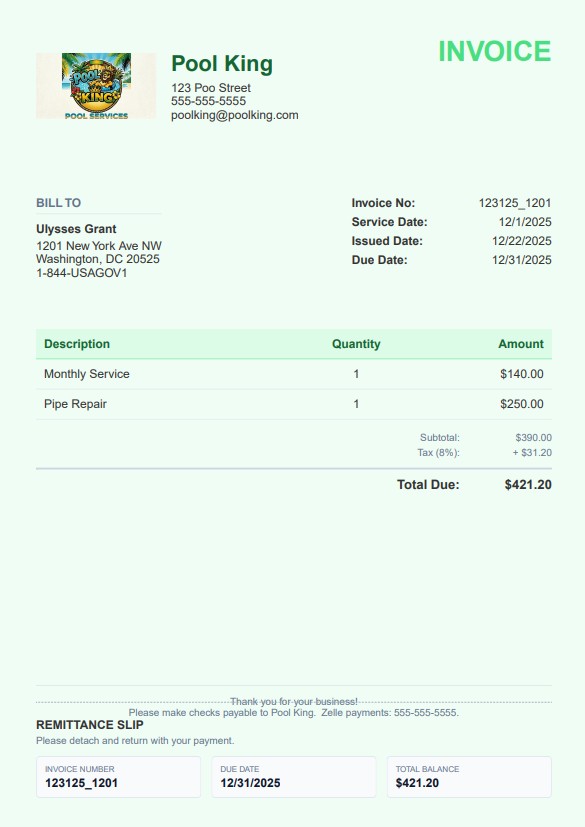
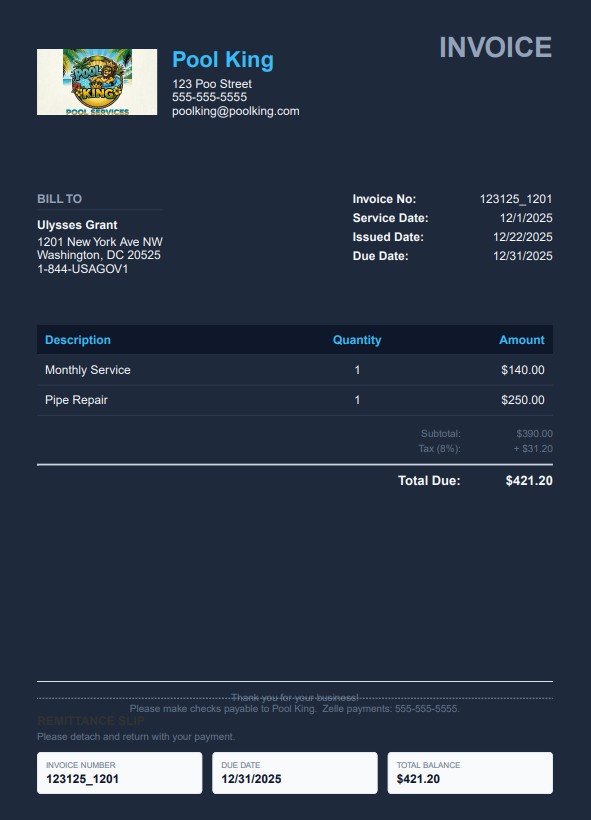
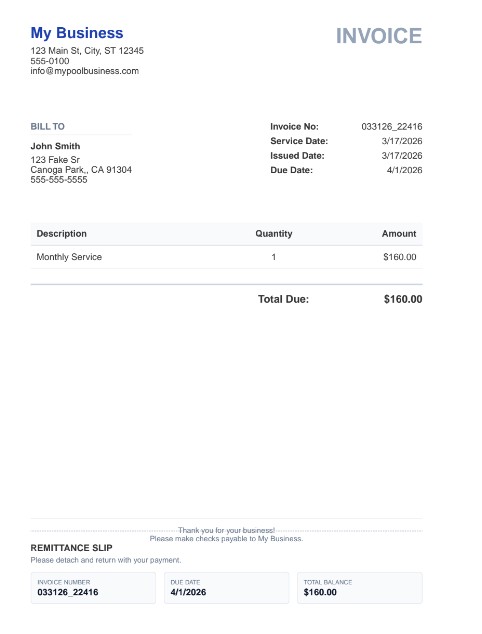
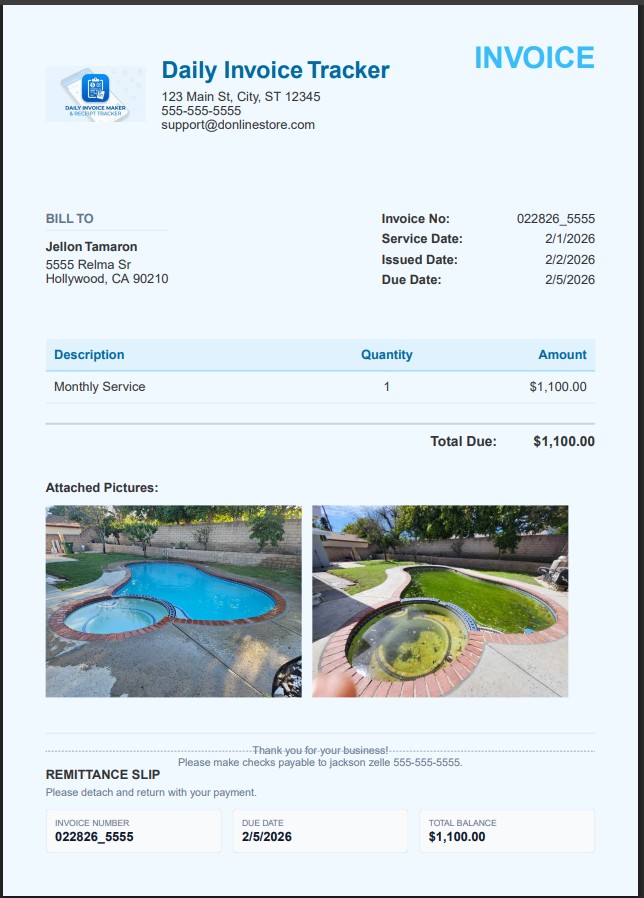
Real invoices exported from the app — your logo, your colours, a tear-off remittance slip, and photos of the job when you attach them. Pick a look in Settings; it applies to every invoice, estimate and agreement you send. Bill in your own currency — dollars, pounds, euros, rupees and more, with the symbol and number format applied everywhere.
Try it before you cancel anything
Free demo, every feature unlocked. Keep your current tool running until you are sure.
QuickBooks is a trademark of its respective owner. Daily Invoice Maker is not affiliated with, endorsed by, or sponsored by QuickBooks or its owner. The name is used here only to identify the product being compared. Feature and pricing structures described are general to hosted subscription software and may change; check the vendor's own current terms. Nothing on this page is tax advice.