Feature · Payment reminders
Coming in 5.32
Overdue invoices get a polite reminder, sent for you
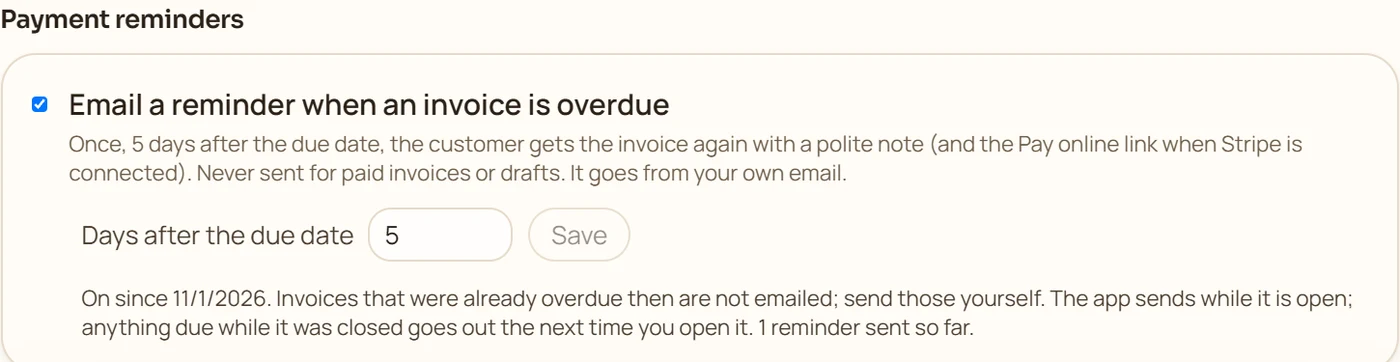
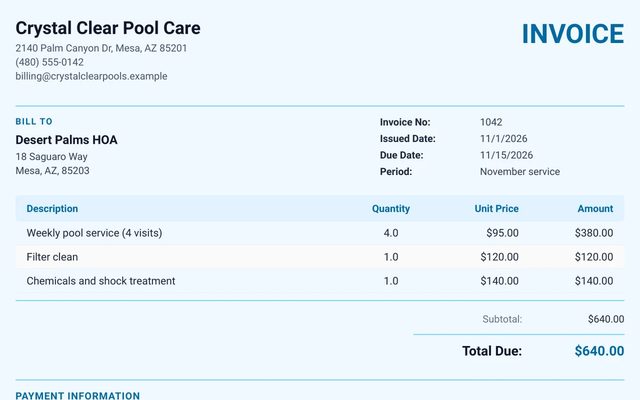
Coming in version 5.32, which is rolling out now. It is not in every download yet. Switch it on once. When an invoice is still unpaid 5 days after its due date, the Windows, Mac or Linux app emails it to the customer again with a short, polite note, the PDF, and the Pay online link if you take cards. It goes from your own email address, once per invoice, so nobody gets nagged.
 (opens the full-size image)
What it does
Once, after the due date
5 days late by default. Choose anywhere from 1 to 60 days.
The invoice and the Pay link
The reminder carries the invoice PDF and, if you take cards, the Pay online link.
From your own email
Sent through the email account you set up in the app, so replies come to you.
Never for paid invoices
Paid, part-paid in full and draft invoices are skipped, and each invoice is reminded only once.
No surprise backlog
Switching it on never emails your old overdue invoices. Only invoices that fall due afterwards get a reminder.
You can see what went out
The settings show how many reminders were sent and say plainly if one could not be sent.
How it works
Set up your email
In Settings, Email & texts, add the email account the app sends from.
Switch reminders on
In Settings, Getting paid, Payment reminders, tick Email a reminder when an invoice is overdue and choose the number of days.
Keep sending invoices
The app checks while it is open. A reminder that falls due while it is closed goes out the next time you open it.
Good to know
Reminders are sent by the Windows, Mac and Linux app while it is open, through your own email account; the Android and iPhone apps cannot send email unattended, so they never send reminders. Each invoice gets one reminder. Invoices that were already overdue when you switched it on are not emailed; send those yourself.
Try it on your own work
Download the free demo and try it with your own customers and jobs. It runs on your own computer, with no account to create.
Free demo for Windows, Mac and Linux: no account and no card. It covers 7 invoices, 7 customers and 7 expenses, with a watermark on PDFs. Full version $149.95 once, $59.99 for one year on one computer, or $5.95 a month. The Android app is a separate Google Play purchase.
Questions
When is the reminder sent?
Once, a set number of days after the due date (5 by default, anywhere from 1 to 60). The app must be open on your computer; if it was closed that day, the reminder goes out the next time you open it.
What does the customer receive?
A short, polite email from your own address saying the invoice is past due, with the invoice PDF attached and the Pay online link if you take card payments.
Will it email all my old overdue invoices?
No. Only invoices that become due for a reminder after you switch it on are emailed. Older ones are left for you to send yourself.
Does it work on my phone?
The setting is there, but phones cannot send email by themselves, so the reminders go out from your Windows, Mac or Linux computer.
Related features
 Coming in 5.32
Get paid online
Coming in 5.32. A Pay online link and QR code on every invoice, through your own Stripe account. Paid invoices mark themselves paid.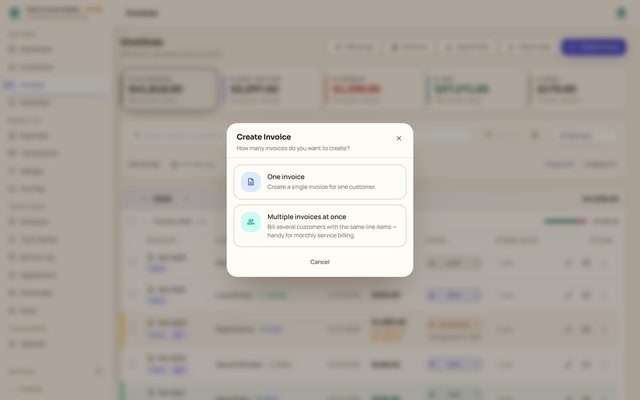
Invoicing
Numbered PDF invoices with photos and signatures, sent from your own email, with paid, part-paid and overdue tracked for you.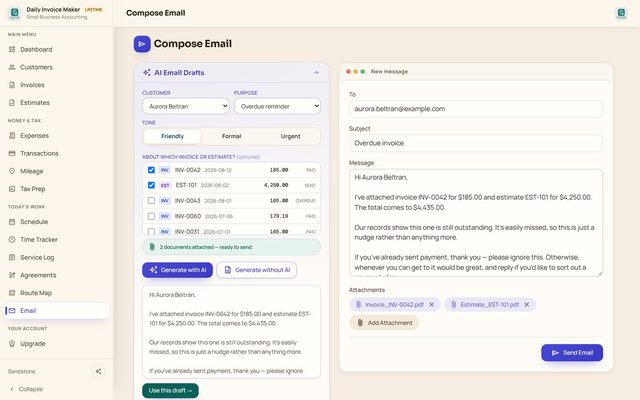
AI email writer
Overdue reminders and invoice emails drafted by your own AI key or from ready-made text, with the PDFs attached.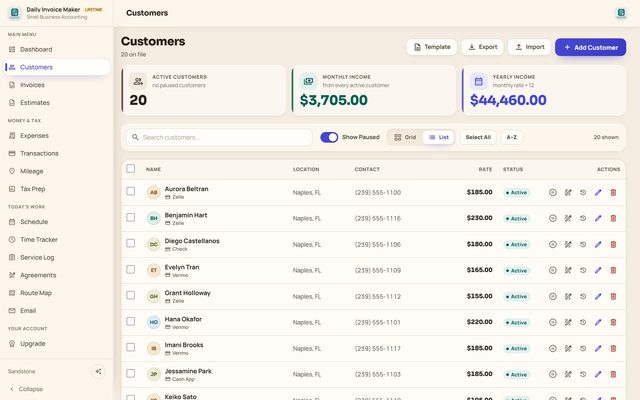
Customer list
Addresses, several phones, monthly rates, payment method and active or paused status, imported from CSV if you like.
Read more: How to track unpaid invoices · All features